Build AI Side Business with n8n: Auto Payment & Delivery
Create automated side income using n8n with full-stack automation from lead generation, payment collection, password verification to service delivery.
Ready to automate?
Start building this workflow with Make.com — free forever on the starter plan.
Overview
This is an AI automation system solution for side business monetization.
Build end-to-end automation from user payment to service delivery using n8n:
- Lead Generation - WordPress website + social media
- User Payment - Payment platforms (PayPal, Stripe, etc.)
- Password Verification - Notion validates password and credits
- Task Processing - AI executes text processing/translation, etc.
- Result Delivery - Auto-return processing results
- Credit Update - Auto-deduct usage credits
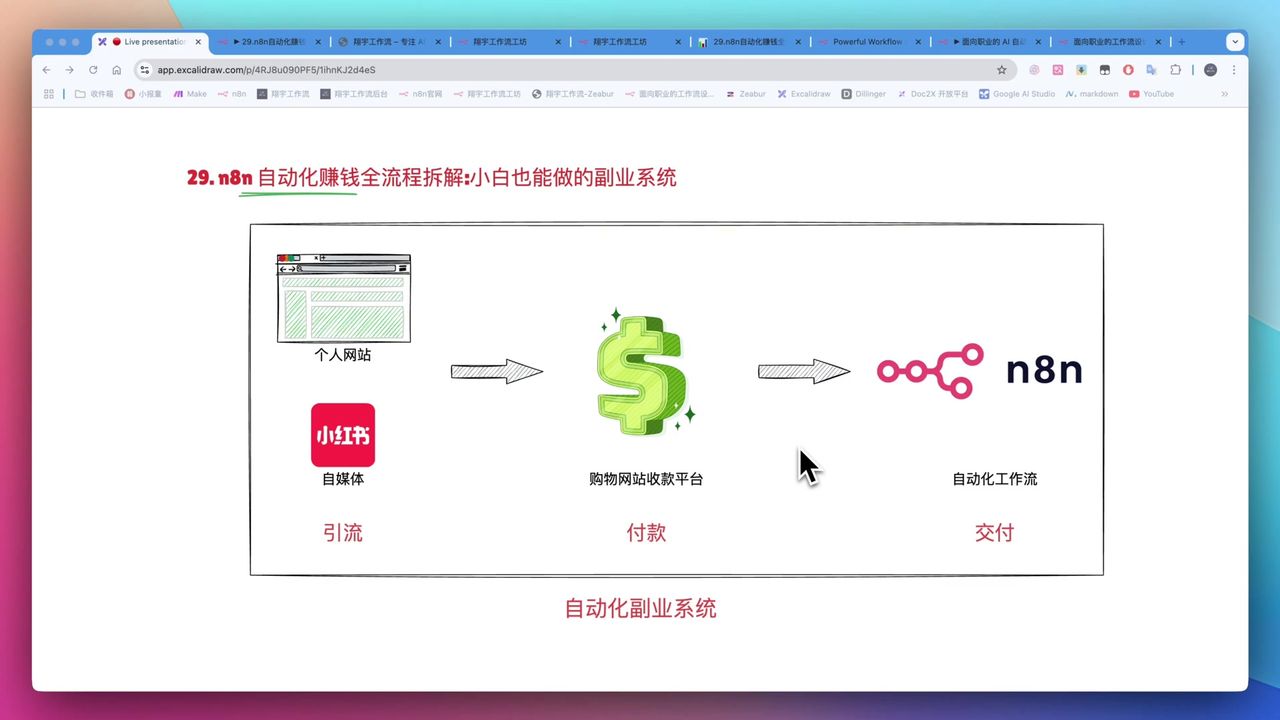 Automated side business system architecture overview
Core Decision Factors
When choosing automated side business solutions, consider:
- Automation Level - Can it achieve end-to-end unattended operation?
- Deployment Barrier - Can non-technical users easily get started?
- Cost Efficiency - Do operating costs match income?
- Extensibility - Can it integrate multiple AI capabilities and services?
- Monetization Capability - Is there clear market demand?
Technical Specifications
| Specification | Value | Notes |
|---|---|---|
| Core Platform | n8n | Open-source low-code automation |
| n8n Cloud | ~$20/month | 2,500 workflow executions |
| Zeabur Deployment | ~$5/month | Unlimited executions, recommended |
| AI Model Recommendation | GPT-4o Mini, Claude | GPT-4o Mini cheap and fast |
| XAI API | $5 → $150/month credit | Extremely cost-effective |
| PDF Parsing | docs2x | Supports multi-column, formulas, tables |
Prerequisites
Before starting, ensure you have:
- n8n Cloud account (14-day free trial) or Zeabur account
- Notion account (for password and credit management)
- AI model API keys (OpenAI/Claude/XAI)
- Payment channels (PayPal/Stripe/etc.)
Deployment Options Comparison
Option 1: n8n Cloud (Official Cloud Service)
- Pros: No deployment needed, direct use
- Cons: ~$20/month, 2,500 execution limit
- Suitable For: Initial testing and trials
Option 2: Zeabur One-Click Deployment (Recommended)
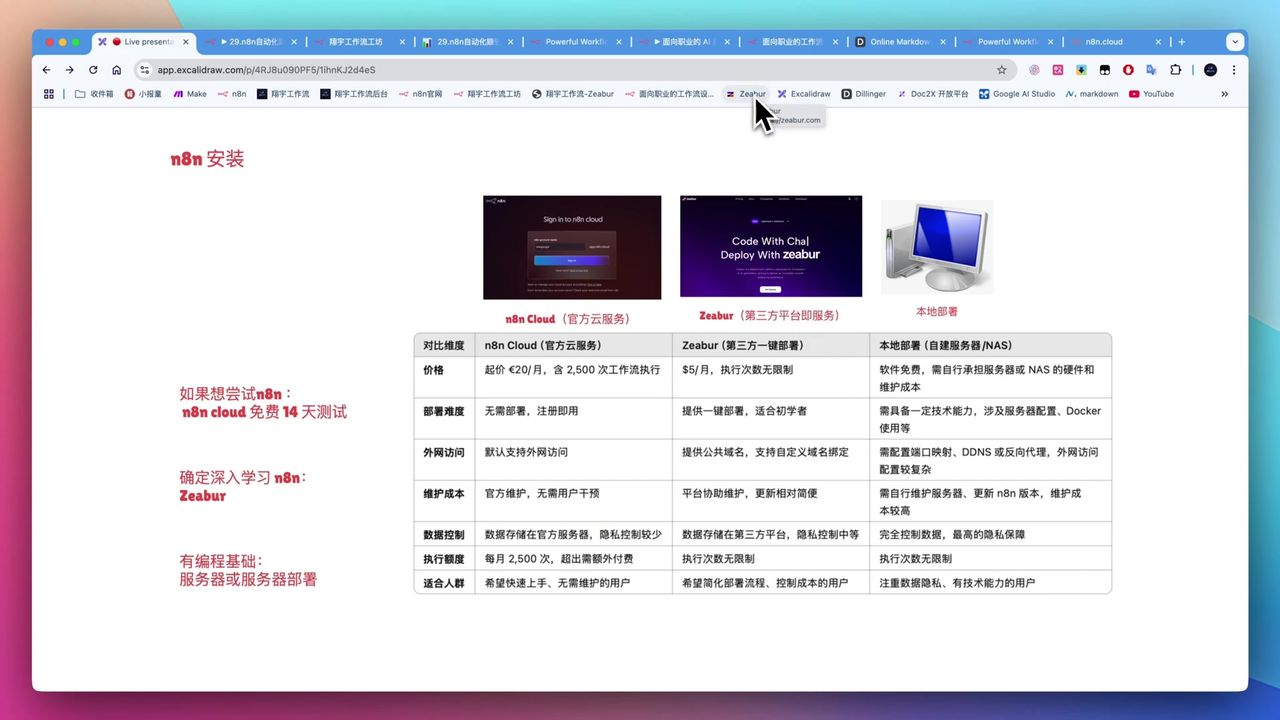 One-click deploy n8n service
- Pros: $5/month, unlimited executions, auto public domain
- Cons: Requires registering third-party platform
- Suitable For: Long-term use and formal operations
Option 3: Local Deployment (Not Recommended for Beginners)
- Pros: Completely free, full control
- Cons: Requires Docker, port mapping, DDNS, reverse proxy, etc.
- Suitable For: Developers with technical background
System Architecture
User-Facing Interface
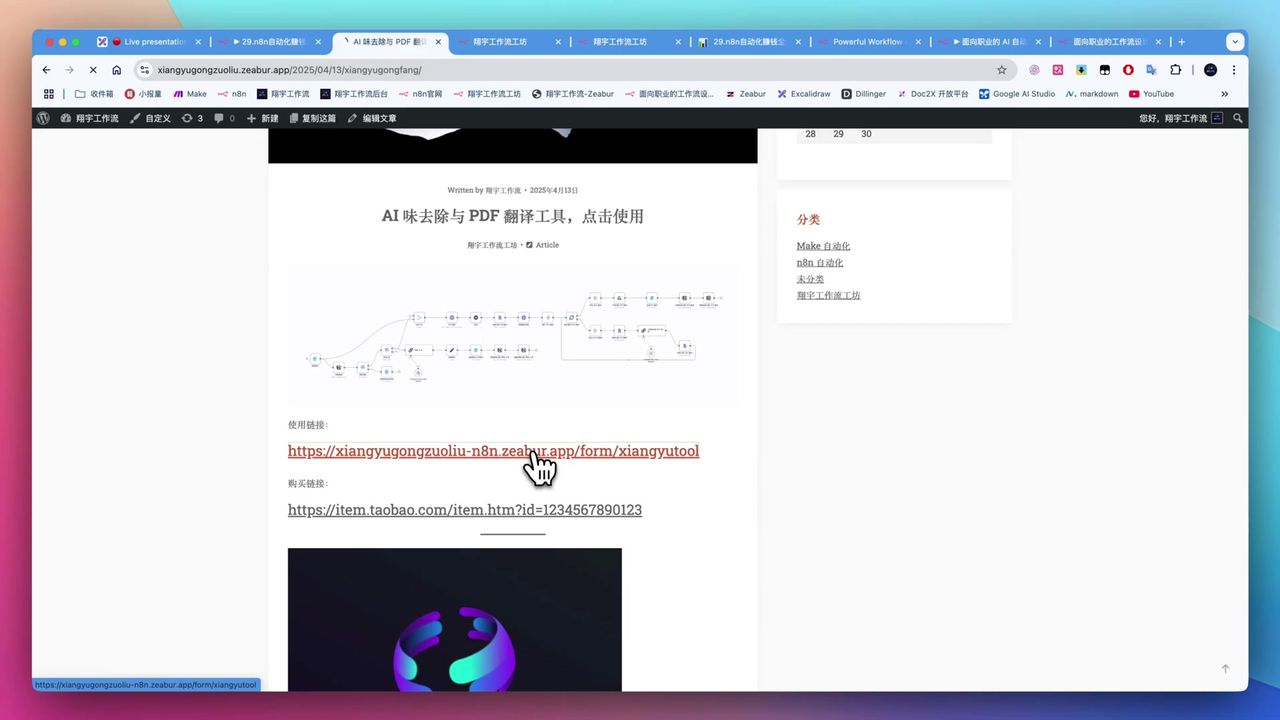 User interaction interface: AI polish and PDF translation
Through n8n’s native Form feature, users complete everything on one page:
- Select task type (AI polish/PDF translation, etc.)
- Upload text or files
- Enter password
- Receive processing results
Backend Workflow
 Workflow nodes: Form→Validate→Branch→AI→Deliver
Core Modules:
- Form Trigger - Receive user input
- Notion Query - Validate password validity
- Credit Check - Verify remaining usage credits
- Task Branches - Execute different flows based on selection
- AI Processing - Call LLMs to execute tasks
- Result Return - Output processing results
- Credit Update - Deduct credits in Notion
Password Verification System
Use Notion as simple backend database:
Database Fields:
- Password (unique identifier)
- Remaining credits
- User info (optional)
- Purchase time (optional)
Verification Flow:
- User inputs password
- n8n queries Notion to match password
- Checks if remaining credits > 0
- Executes task and deducts credits if valid
- Returns error message if invalid
Practical Workflow Examples
Example 1: AI Humanization
Polish AI-generated stiff text into natural expression:
Prompt Design:
Please rewrite the following AI-generated text to be more natural and conversational,
remove obvious AI traces, maintain original meaning while making expression more human.

Original: {{user_input}}
Example 2: PDF Translation
Use docs2x to parse PDF then call AI for translation:
Advantages:
- Supports multi-column layout
- Preserves formulas and tables
- Maintains image-text layout
- Superior to Jina Reader
Example 3: Industry Solution Design
Design AI workflow solutions for traditional industries:
Suggestion: AI field is saturated; applying AI capabilities to traditional industries presents blue ocean opportunities.
Supporting Website Setup
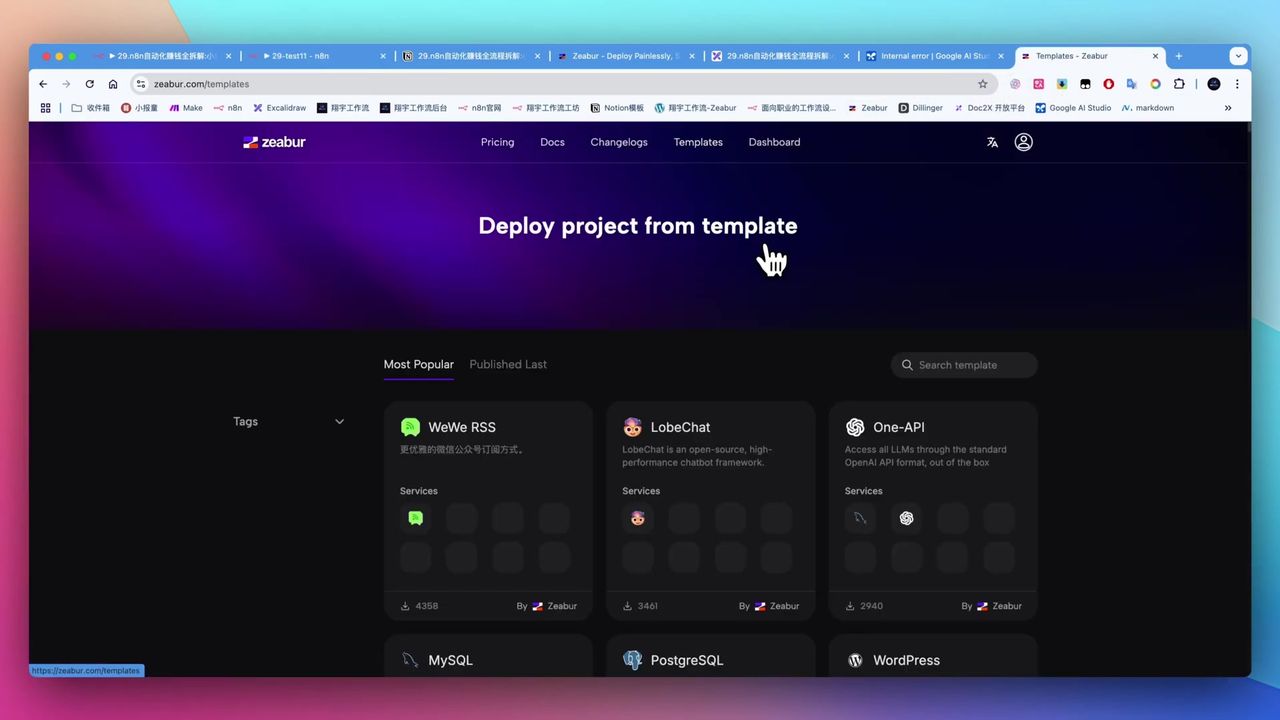 Zeabur one-click deploy WordPress
Can also one-click deploy WordPress website via Zeabur:
Uses:
- Personal brand website
- Service introduction and lead generation
- SEO for organic traffic
- Can integrate ads for additional income
Pitfalls to Avoid
Common issues during setup:
-
n8n is Low-Code - May require simple JavaScript expressions, not purely no-code
-
Details Prone to Errors - Spaces, case sensitivity, node types (POST/GET) need careful checking
-
Large File Token Consumption - PDF translation and long texts need optimized context management or costs spike
-
Local Deployment Complexity - Requires Docker, port mapping, etc.—not recommended for beginners
-
Traditional Industries are Blue Ocean - AI field is highly competitive; suggest applying AI to traditional industries
Use Cases
Recommended For
- Individuals Seeking Automated Side Income - Want to build unattended passive income systems
- Traditional Industry Practitioners - Want to apply AI to their industries to solve pain points
- Content Creators - Need AI assistance for article polishing, translation, etc.
- Learners with Ability - Willing to invest time learning low-code features
May Not Suit
- Users seeking “get rich quick” schemes (requires continuous exploration and accumulation)
- Complete tech-phobic beginners
- Zero-budget users unwilling to bear any costs
- Only interested in AI tech itself, not applications
FAQ
What’s the difference between n8n and Make?
n8n is a low-code platform that may require simple JavaScript expressions; Make is purely no-code. n8n is open-source and self-hostable; Make is cloud-only.
What’s the easiest way to deploy n8n?
Recommend Zeabur one-click deployment at ~$5/month with unlimited workflow executions, auto-assigned public domain, no technical background needed.
How to implement automated payments?
Users receive password after payment. n8n workflow validates password and remaining credits via Notion, provides service upon verification, and deducts credits.
What service for PDF translation?
Recommend docs2x, superior to Jina Reader—parses multi-column, formulas, tables, code, and preserves layout.
Next Steps
After mastering the basics, you can try:
- Add more AI tools to same form
- Integrate more payment and notification channels
- Optimize prompts to improve processing quality
- Explore more AI application scenarios in traditional industries
Feel free to leave comments with questions!
FAQ
- What's the difference between n8n and Make?
- n8n is a low-code platform that may require simple JavaScript expressions; Make is purely no-code. n8n is open-source and self-hostable; Make is cloud-only.
- What's the easiest way to deploy n8n?
- Recommend Zeabur one-click deployment at ~$5/month with unlimited workflow executions, auto-assigned public domain, no technical background needed.
- How to implement automated payments?
- Users receive password after payment. n8n workflow validates password and remaining credits via Notion, provides service upon verification, and deducts credits.
- What service for PDF translation?
- Recommend docs2x, superior to Jina Reader—parses multi-column, formulas, tables, code, and preserves layout.
Start Building Your Automation Today
Join 500,000+ users automating their work with Make.com. No coding required, free to start.
Get Started FreeRelated Tutorials
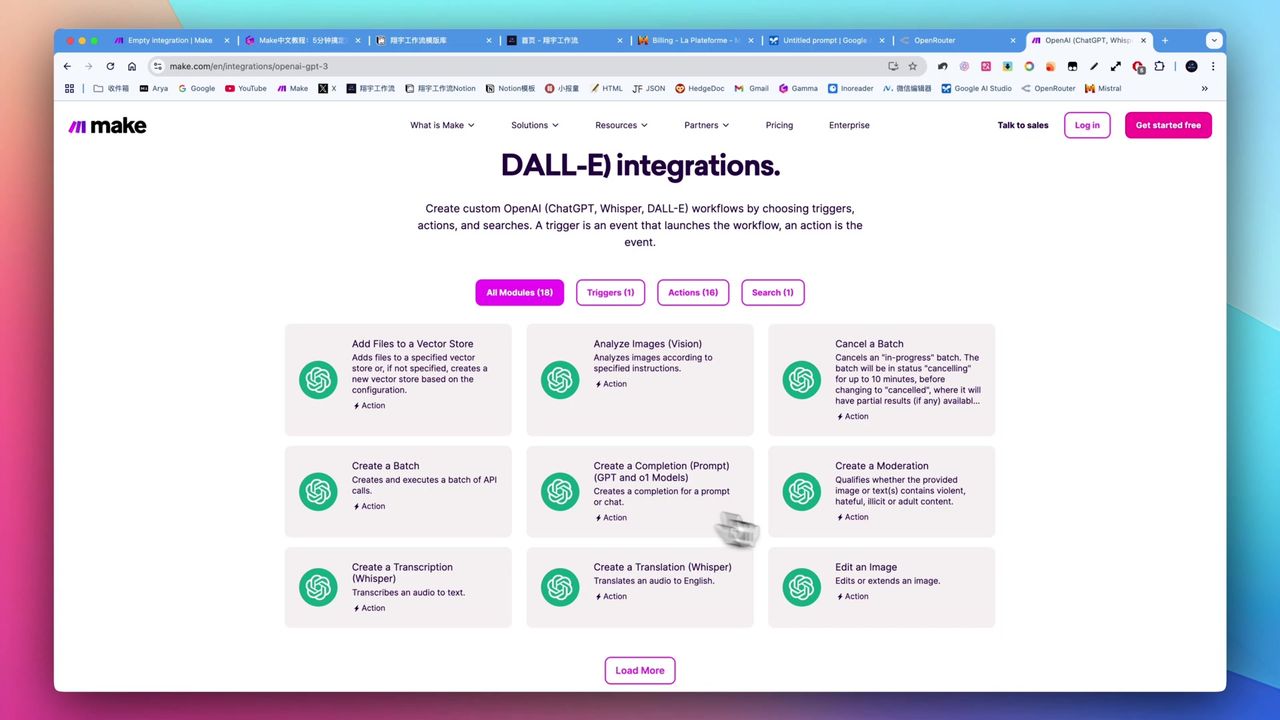
Make.com Tutorial: Build Your First Workflow in 5 Minutes
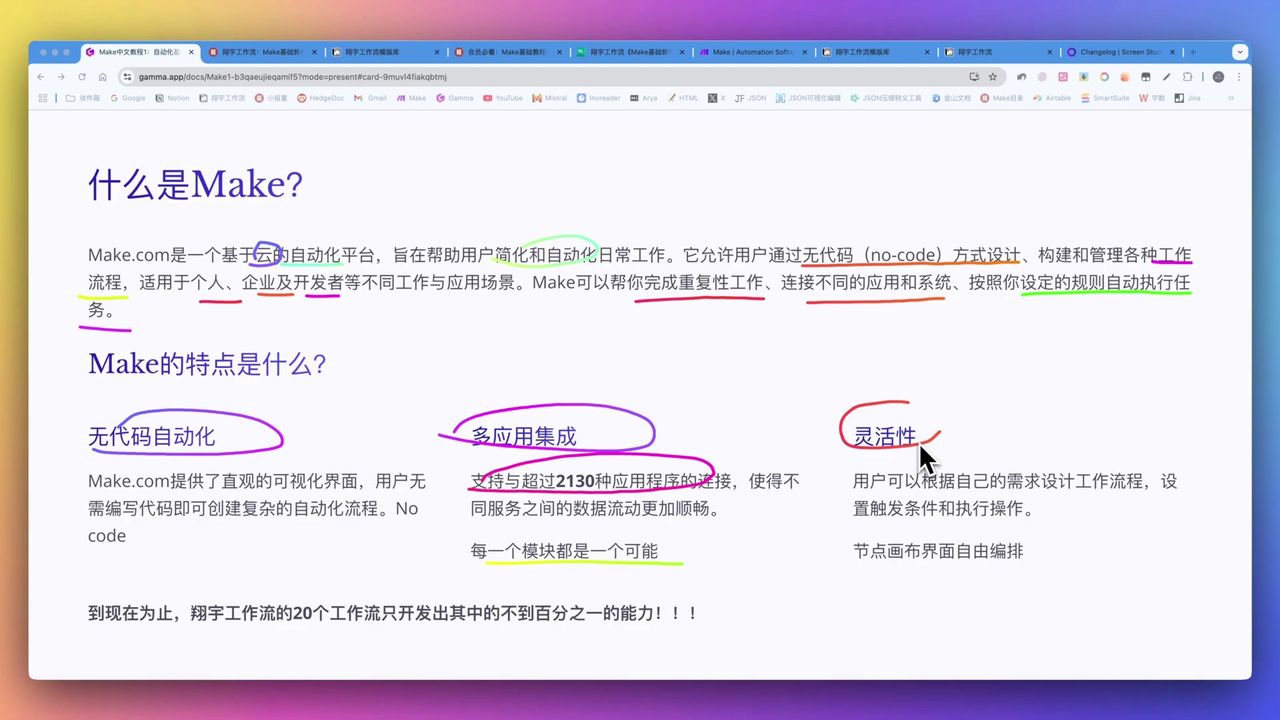
Make.com Core Concepts: Automation Fundamentals Explained
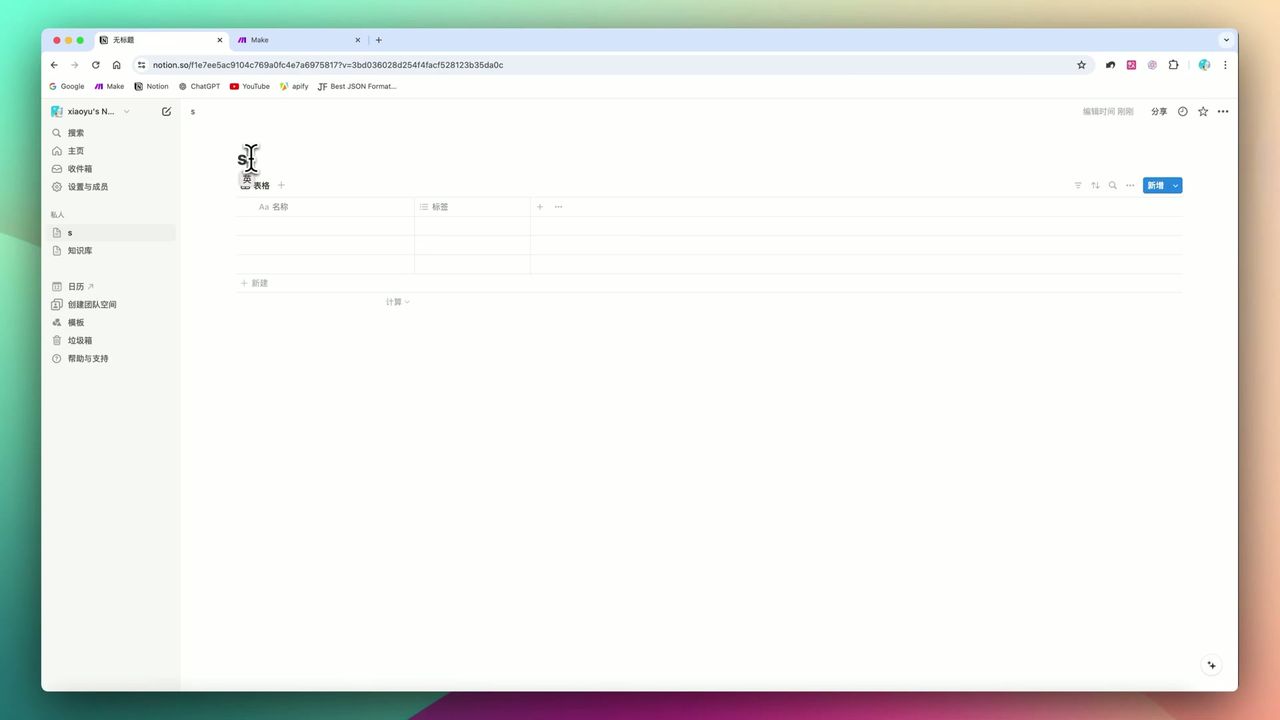
Build YouTube Data Archive in Notion with Make.com & Apify
Auto-Classify Notion with AI Using Make.com
About the author
Alex Chen
Automation Expert & Technical Writer
Alex Chen is a certified Make.com expert with 5+ years of experience building enterprise automation solutions. Former software engineer at tech startups, now dedicated to helping businesses leverage AI and no-code tools for efficiency.
Credentials