Generate Cartoon Avatars with Make.com & Replicate
Auto-generate cartoon avatars using Make.com and Replicate's face-to-sticker model. Perfect for avatar customization services.
Ready to automate?
Start building this workflow with Make.com — free forever on the starter plan.
Overview
This tutorial explores how to use Make.com and Replicate platform to build an automated workflow for generating American-style cartoon avatars.
This solution precisely captures facial features to rapidly produce high-quality personalized avatars at extremely low cost:
- Upload Image - Upload original portrait to Notion
- API Call - Make.com calls Replicate model
- Wait Generation - Sleep module waits for model completion
- Save Result - Download and upload to image hosting for permanent storage
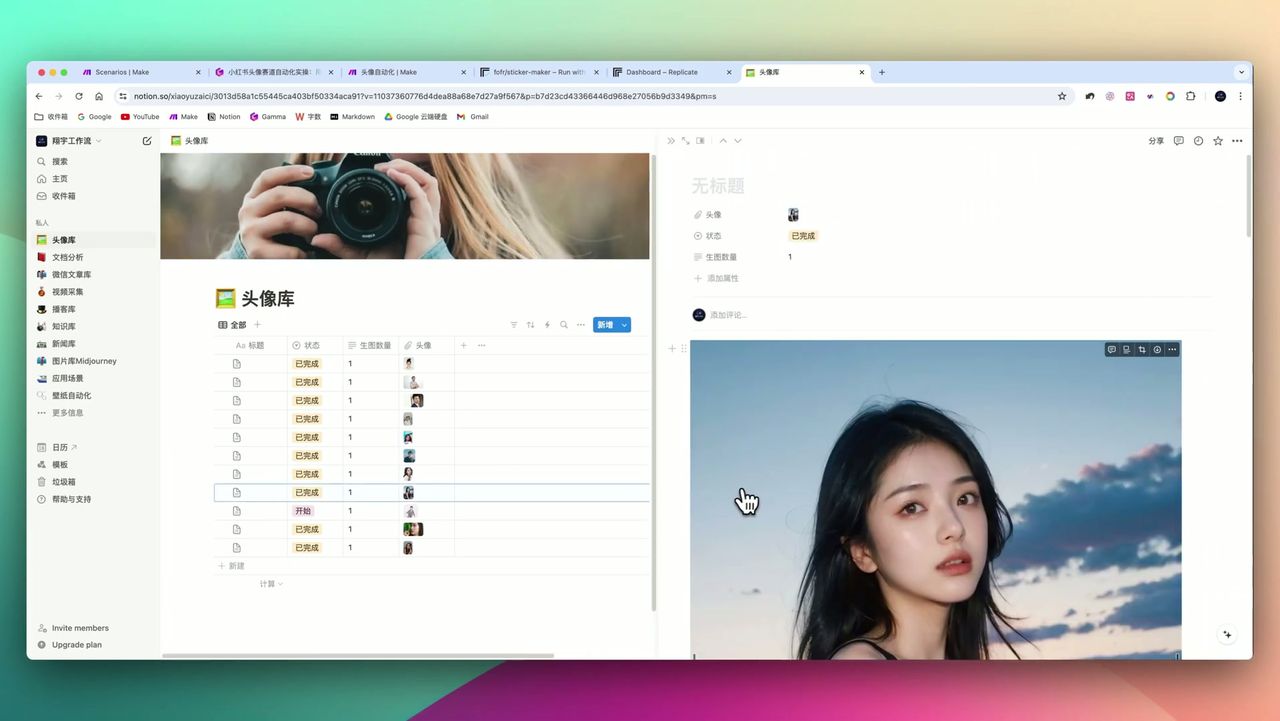 Transformation from original photo to American-style cartoon avatar with precise facial feature capture
Core Decision Factors
When choosing AI avatar generation solutions, focus on:
- Generation Precision - Can it precisely capture facial features with high similarity
- Cost-effectiveness - Single generation cost vs market price comparison
- Style Diversity - Can it generate different styles, poses, or clothing
- Image Persistence - Can generated images be stored long-term effectively
Technical Specifications
| Specification | Value | Notes |
|---|---|---|
| Generated Images Count | 2 images | Black background + white background |
| Generated Image Resolution | 1024x1024 pixels | Square ratio |
| Market Reference Price | $10-20 | Social media platforms |
| Replicate Single Cost | ~$0.02-0.03 | Extremely low cost |
| Potential Profit Margin | 10x+ | Huge monetization potential |
| Model Actual Run Time | 20-60 seconds | Varies based on load |
| Make.com Wait Time | 120-240 seconds | Recommend 240 seconds |
| Image Link Validity | 1-2 hours | Need to upload to image hosting |
| Make.com Basic Plan | $9.9/month | 10,000 operations |
Prerequisites
Before starting, ensure you have:
- Make.com account (free registration)
- Replicate API key (replicate.com)
- Notion account and avatar database
- Image hosting account (like ImgBB, for permanent image storage)
Market Monetization Potential
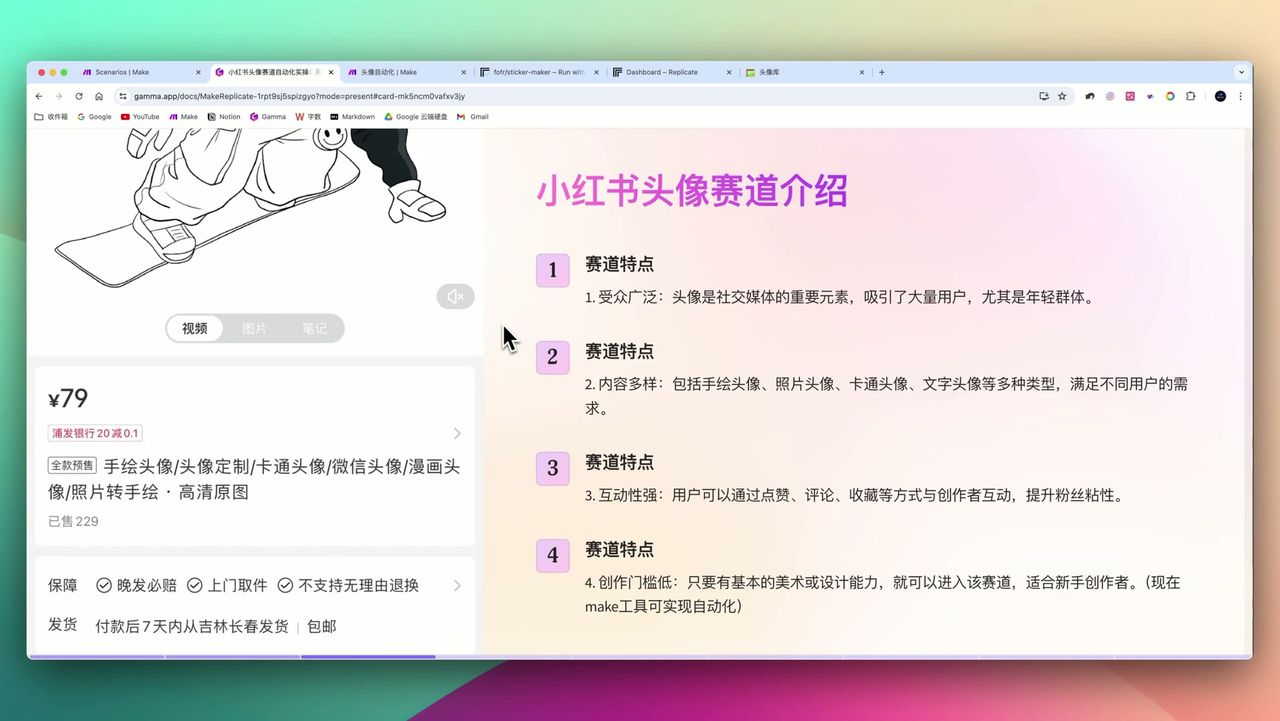 Social media platform avatar customization service, reference price $10-20
This workflow’s business value lies in huge cost differential:
- Market Price: $10-20/avatar (hand-drawn avatar customization)
- Generation Cost: $0.02-0.03/avatar
- Profit Margin: 10x+
Combined with automated workflow, can achieve batch generation, dramatically improving efficiency.
Replicate Platform Introduction
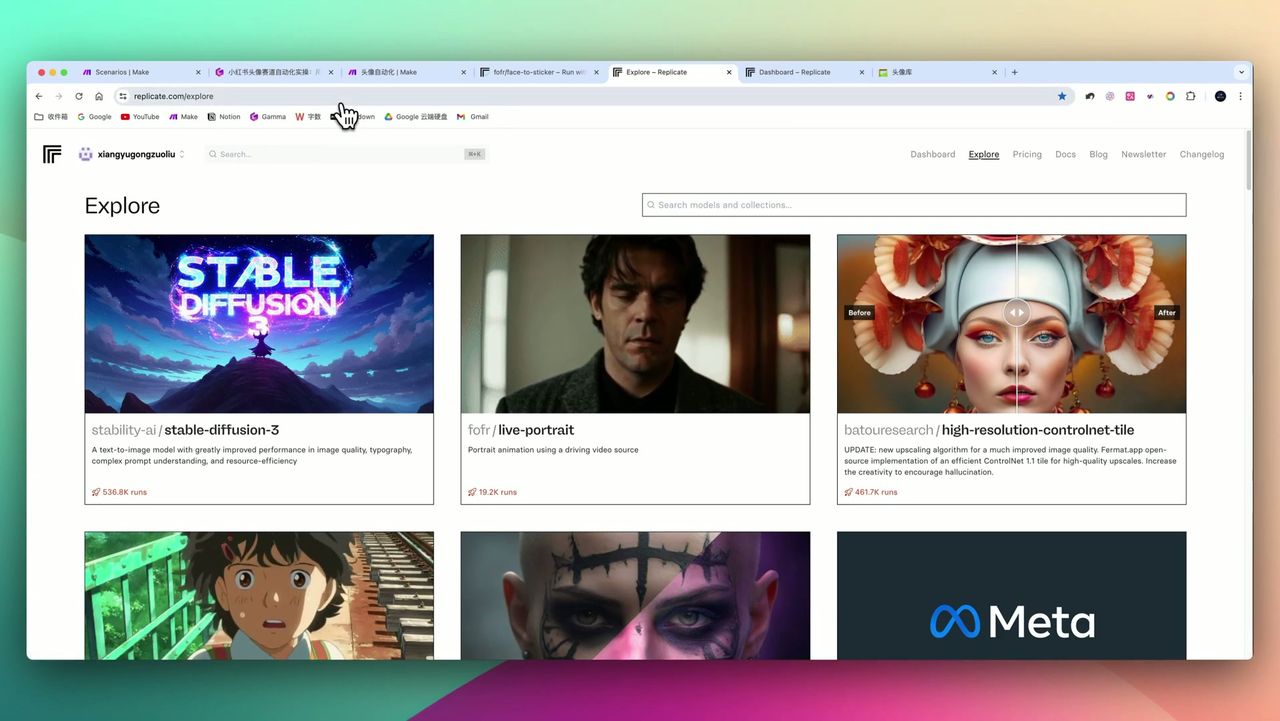 Replicate provides rich AI model resources
Replicate is an AI model hosting platform providing:
- Hundreds of Models - Image generation, voice, video, etc.
- Pay-as-you-go - Pay for what you use
- API Calls - Easy integration into automation workflows
- face-to-sticker Model - This tutorial’s core model
Workflow Architecture
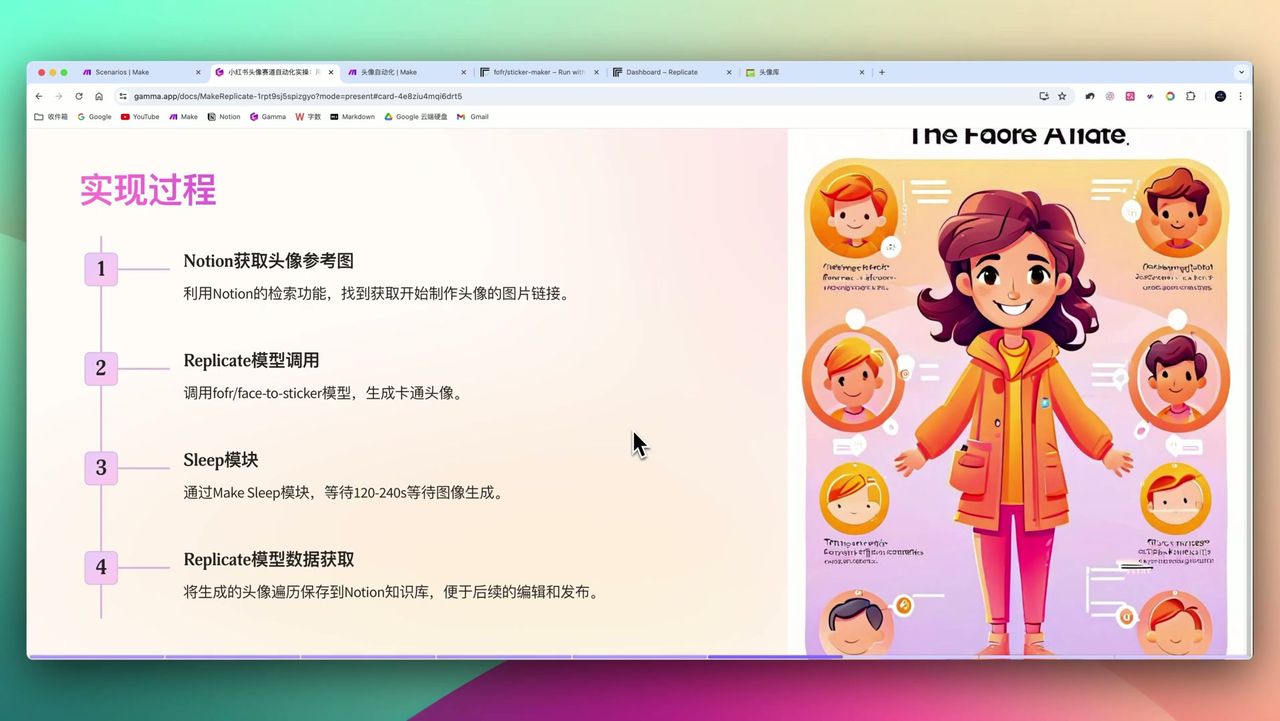 Four main steps: Notion fetch → API call → Wait generation → Save result
Core Modules
- Notion Search - Fetch pending original images
- HTTP Request - Call Replicate API
- Sleep - Wait for model generation completion (240 seconds)
- HTTP Request - Get generation results
- ImgBB Upload - Upload to image hosting for permanent storage
Step 1: Configure Notion Database
Create avatar database in Notion with these fields:
- Original Image (Files & Media) - Upload portrait photo
- Status (Select) - Pending/Processing/Completed
- Generated Result (Files & Media) - Save generated avatar
- Image Link (URL) - Permanent image hosting link
Step 2: Configure Replicate API Call
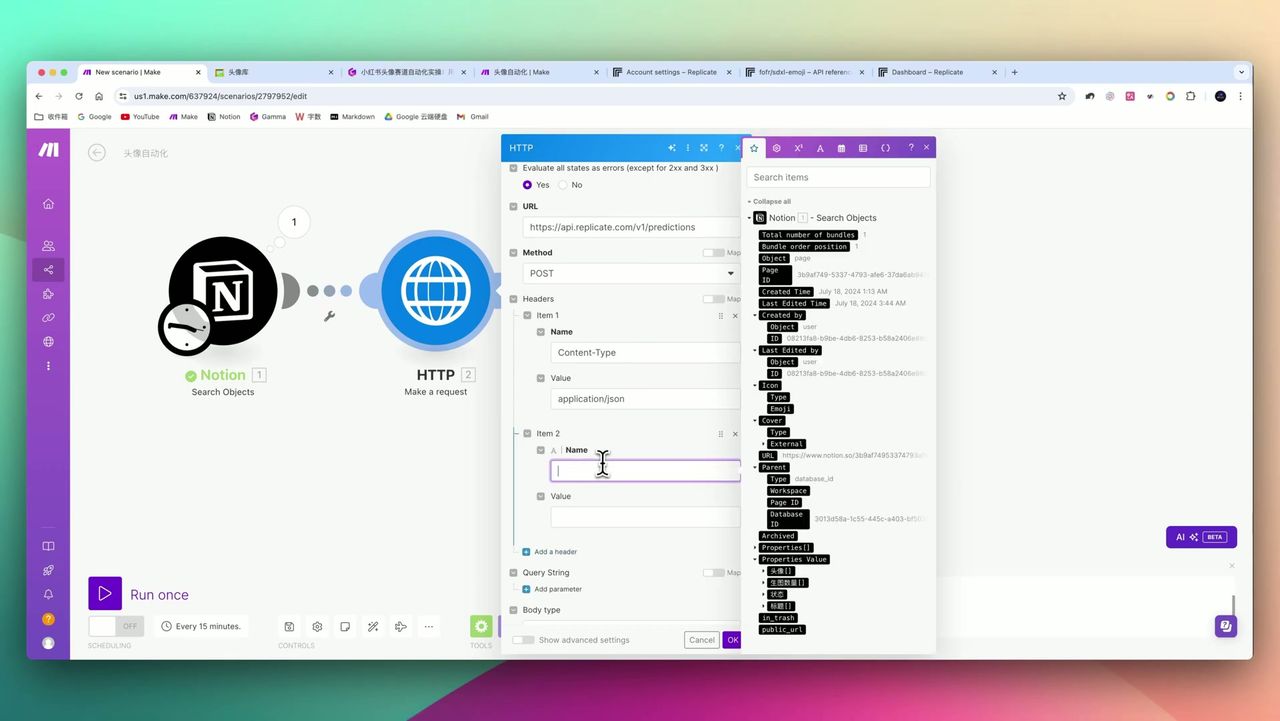 HTTP module configuration for API Key and JSON request body
Add HTTP module in Make to call Replicate API:
Request Configuration:
- URL:
https://api.replicate.com/v1/predictions - Method: POST
- Headers:
Authorization: Token {{your_api_token}}Content-Type: application/json
Request Body:
{
  "version": "face_to_sticker_model_version",
  "input": {
    "image": "{{notion_image_url}}",
    "steps": 20,
    "width": 1024,
    "height": 1024
  }
}
Step 3: Configure Wait Module
Since image generation takes time, must add Sleep module:
Configuration:
- Wait Time: 240 seconds (recommended)
Note: Setting 120 seconds may cause some requests to timeout with errors; recommend 240 seconds to ensure stability.
Step 4: Get Generation Results
Call HTTP module again to get generation results:
Request Configuration:
- URL:
https://api.replicate.com/v1/predictions/{{prediction_id}} - Method: GET
Returned JSON contains generated image URLs (black background and white background, two images).
Step 5: Upload to Image Hosting
Since Replicate image links expire after 1-2 hours, need to upload to image hosting:
- Add HTTP module to download image
- Add ImgBB Upload module to upload
- Get permanent link and save to Notion
Gotchas
During setup, note:
-
Non-real-time Generation - Need to wait 120-240 seconds; cannot provide instant feedback
-
Image Link Expiration - Replicate links expire in 1-2 hours; must configure image hosting
-
Results Need Manual Optimization - AI generation may not be perfect; needs secondary filtering or editing
-
Debugging Requires Patience - Make.com data input/output prone to errors; needs patient debugging
-
Non-real-time Trigger - Current workflow is scheduled or on-demand trigger, not instant status change trigger
-
Complex Webhook Configuration - If need real-time notification, need to build separate workflow to receive signals
Use Cases
Recommended Users
- Avatar Customization Entrepreneurs - Low-cost high-efficiency monetization solution
- Digital Content Creators - Batch generate style-consistent cartoon characters
- AI Automation Enthusiasts - Learn Make.com and API integration techniques
- Users Seeking Personalized Images - Obtain unique American-style cartoon avatars
May Not Suit
- Scenarios requiring instant real-time generation
- Regular users unfamiliar with APIs and automation tools
- Users pursuing extreme artistic effects
- Users whose time cost exceeds configuration cost
FAQ
How much does it cost to generate one avatar?
Replicate single generation costs only pennies (~$0.02-0.03), while market price can reach $10-20, providing 10x+ profit margin.
How long does generation take?
Actual generation time 20-60 seconds, but need to set 120-240 second wait time in Make.com workflow to ensure stable operation.
Will generated image links expire?
Yes, Replicate-generated image links expire after 1-2 hours. Need to upload to third-party image hosting (like ImgBB) for long-term storage.
Can I generate different style avatars?
Can generate different clothing styles through multiple runs while facial features remain consistent. Can also explore other Replicate models.
Next Steps
After mastering the basic workflow, you can try:
- Exploring other Replicate style models
- Adding batch processing functionality
- Integrating auto-publishing to social media
- Adding customer order management system
Questions? Feel free to leave comments!
FAQ
- How much does it cost to generate one avatar?
- Replicate single generation costs only pennies (~$0.02-0.03), while market price can reach $10-20, providing 10x+ profit margin.
- How long does generation take?
- Actual generation time 20-60 seconds, but need to set 120-240 second wait time in Make.com workflow to ensure stable operation.
- Will generated image links expire?
- Yes, Replicate-generated image links expire after 1-2 hours. Need to upload to third-party image hosting (like ImgBB) for long-term storage.
- Can I generate different style avatars?
- Can generate different clothing styles through multiple runs while facial features remain consistent. Can also explore other Replicate models.
Start Building Your Automation Today
Join 500,000+ users automating their work with Make.com. No coding required, free to start.
Get Started FreeRelated Tutorials
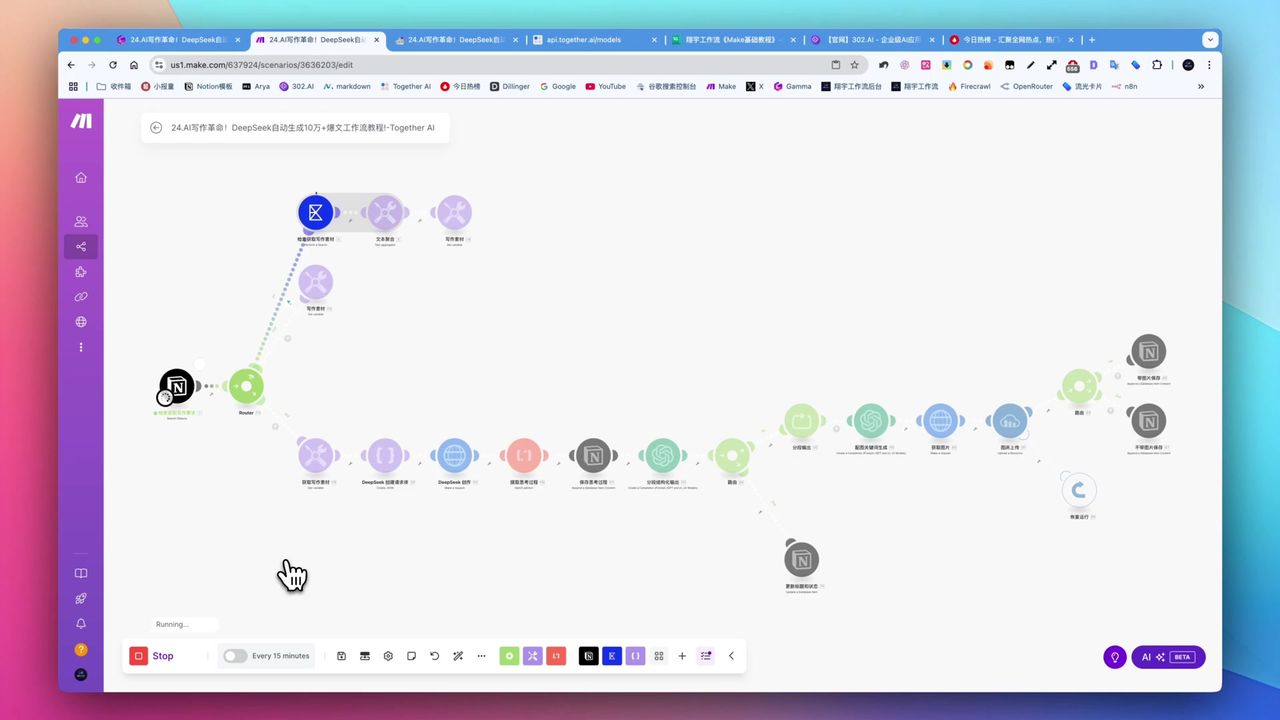
Create Viral Content with Make.com & DeepSeek AI
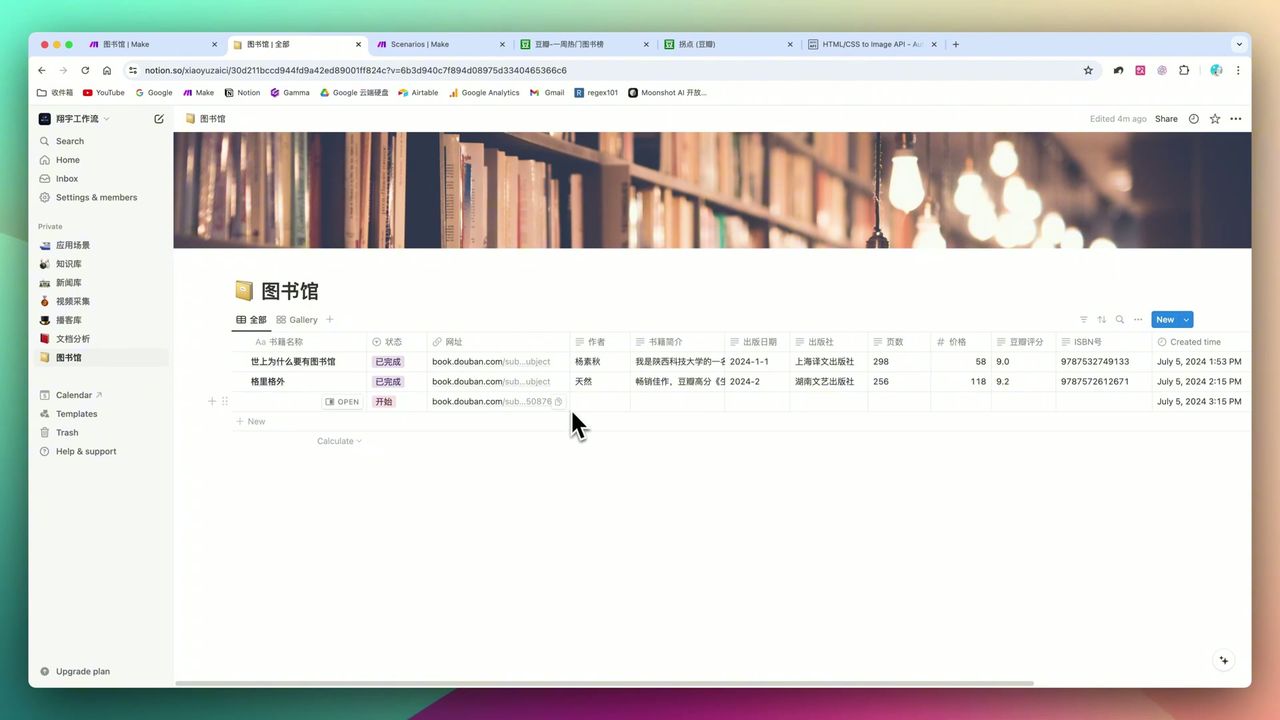
Build Notion Book Library with Make.com & GPT-4o Vision
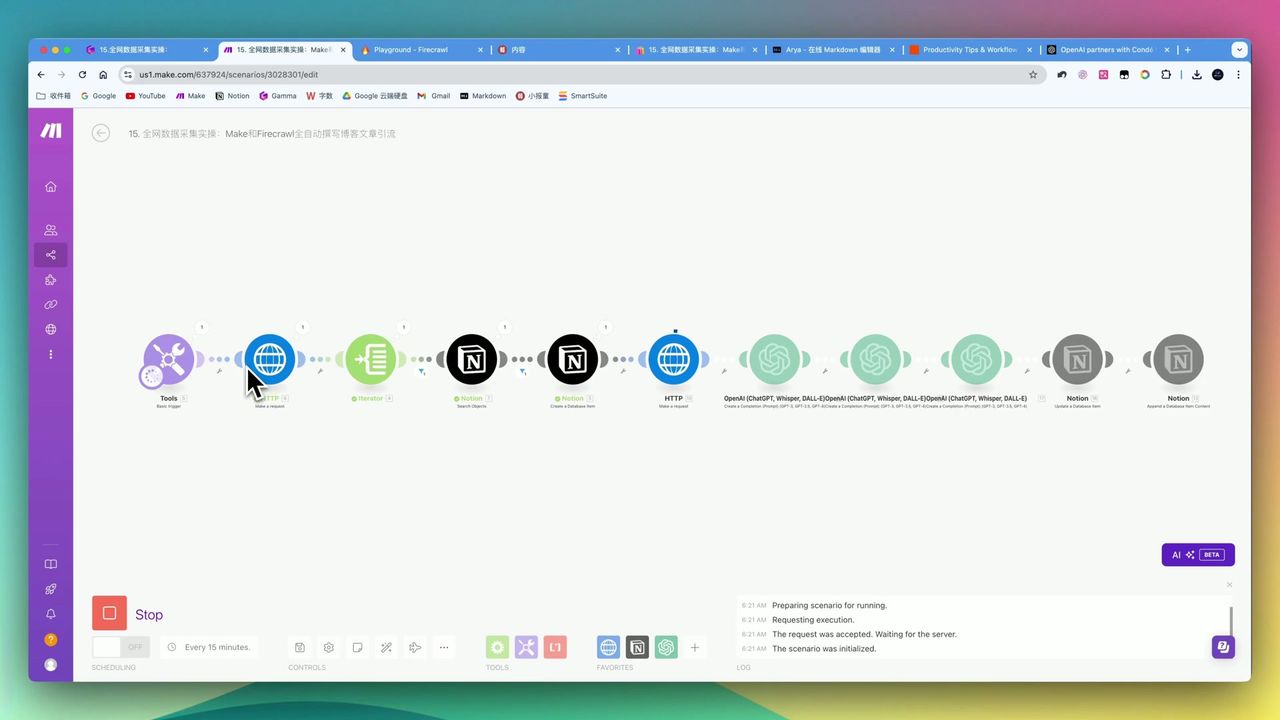
Automate Blog Writing with Make.com & Firecrawl Web Scraper
Automate PDF Analysis with Make.com & Kimi 128K Context
About the author
Alex Chen
Automation Expert & Technical Writer
Alex Chen is a certified Make.com expert with 5+ years of experience building enterprise automation solutions. Former software engineer at tech startups, now dedicated to helping businesses leverage AI and no-code tools for efficiency.
Credentials