Automate PDF Analysis with Make.com & Kimi 128K Context
Leverage Kimi's 128K+ context with Make.com to auto-analyze long PDF documents like financial reports and books. Extract insights to Notion.
Ready to automate?
Start building this workflow with Make.com — free forever on the starter plan.
Overview
For users needing to process Chinese long documents (like financial reports, books) but limited by OpenAI access difficulties or high costs, Kimi API combined with Make.com is an extremely cost-effective alternative.
This workflow leverages Kimi’s powerful 128K+ context capability to achieve automated long document analysis:
- Trigger Task - Notion database status change trigger
- Upload File - Upload PDF to Kimi get File ID
- Parse Content - Call parsing interface get text content
- AI Analysis - Send to Kimi for summarization and extraction
- Write Back Results - Save key insights to Notion
- Clean Files - Delete processed files prevent accumulation
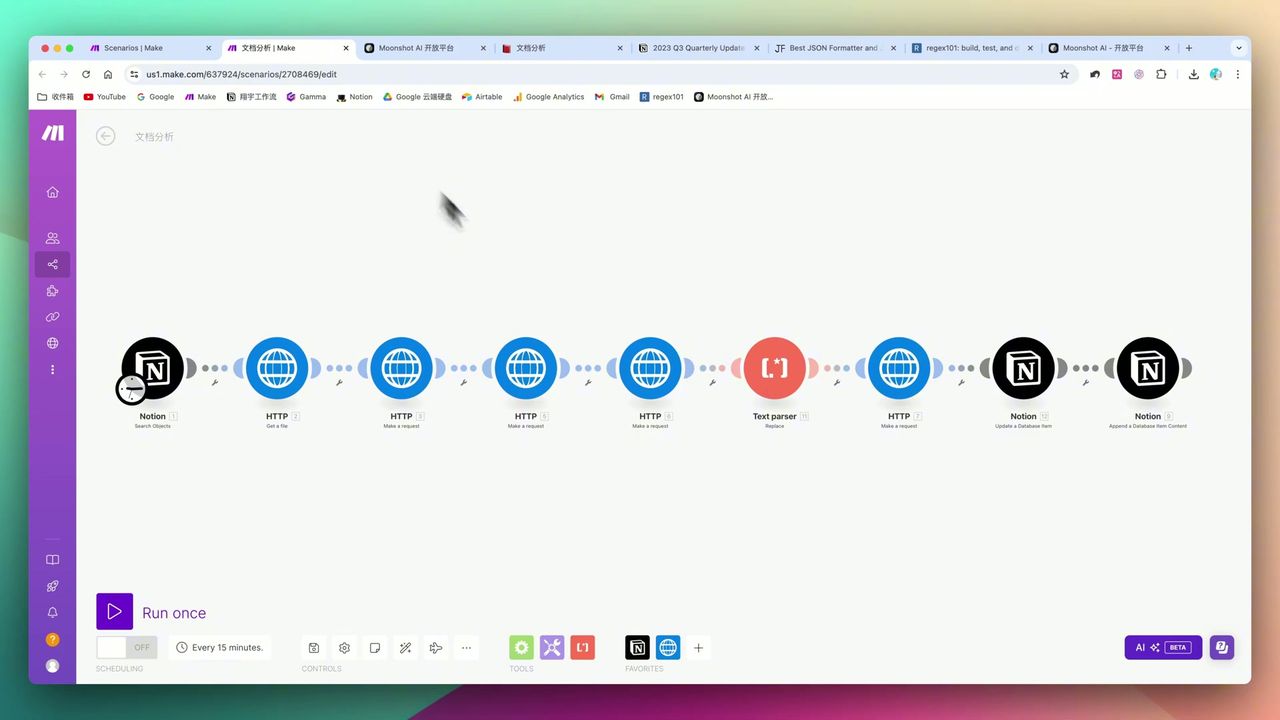 Complete 8-step automation workflow architecture
Core Decision Factors
When choosing AI long document processing solutions, focus on:
- Long Text Throughput - Can read dozens of pages PDF at once without losing information
- API Ease of Use & Cost - Is interface documentation clear, Token pricing affordable
- Error Handling - Handling ability for special characters, network timeouts, etc.
- Data Structuring Capability - Can transform PDF content to usable JSON format
Technical Specifications
| Key Metric | Specification | Notes |
|---|---|---|
| Kimi Model Context | 8K/32K/128K | Recommend 128K for long documents |
| Notion Upload Limit | 5MB | Free version limit, use Google Drive for large files |
| Kimi File Storage Limit | 100 files | Must configure deletion step |
| HTTP Timeout Setting | 300 seconds | Recommend extending for long text |
| Status Code Validation | 200 | Recommend adding Filter |
| API Auth Method | Bearer Token | Add Authorization in Header |
Prerequisites
Before starting, ensure you have:
- Make.com account (free registration)
- Kimi API key (kimi.moonshot.cn)
- Notion account and database
Notion Database Structure
Create PDF management database with these fields:
- File (Files & Media) - Upload PDF file
- Status (Select) - Start/Processing/Done
- Analysis Result (Text) - AI-extracted key insights
- File Link (URL) - PDF access link
Why Choose Kimi API
Compared to OpenAI, Kimi has unique advantages in Chinese long document processing:
| Comparison | Kimi | OpenAI |
|---|---|---|
| Context Window | 128K (future 200K+) | 128K (GPT-4 Turbo) |
| Chinese Ability | Native optimization | General |
| China Access | Direct access | Needs proxy |
| API Cost | Relatively low | Higher |
| Make Integration | Needs HTTP module | Has native module |
Workflow Architecture
Entire workflow divided into three core phases:
Phase 1: File Upload
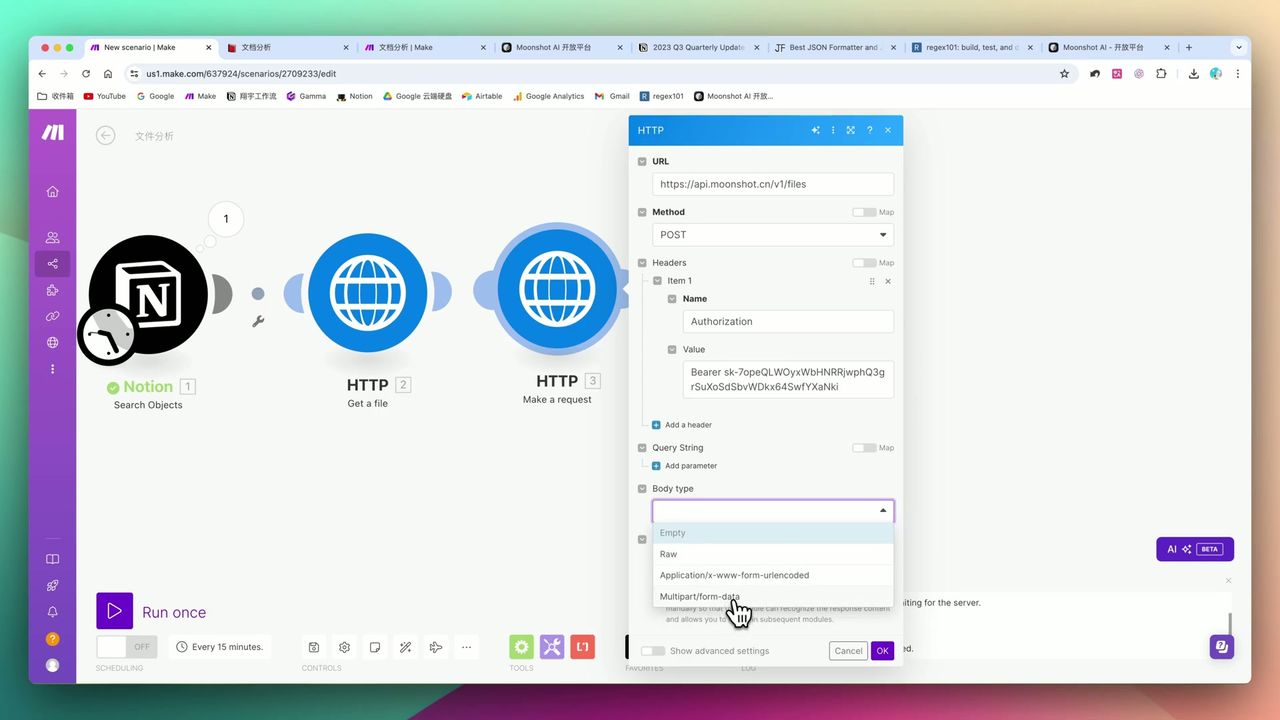 Multipart/form-data configuration explained
Use HTTP module to upload PDF to Kimi:
Request Configuration:
- URL:
https://api.moonshot.cn/v1/files - Method: POST
- Content-Type: multipart/form-data
- Headers:
Authorization: Bearer {{api_key}}
Get file_id after successful upload for subsequent parsing.
Phase 2: Content Parsing & Cleaning
After getting File ID, call parsing interface to get PDF text content.
Key Step: Text Parser Cleaning
 Use regex to clean raw text
PDF-parsed raw text often contains:
- Newline characters
\n - Special brackets
[],{} - Excess spaces
These characters break JSON structure when put directly, must use regex replacement to clean.
Phase 3: AI Analysis & Write-back
 Build 128K context model Prompt
Send cleaned text to Kimi for analysis:
Prompt Design:
{
  "model": "moonshot-v1-128k",
  "messages": [
    {
      "role": "system",
      "content": "You are a professional document analysis expert, skilled at extracting core insights from long reports."
    },
    {
      "role": "user",
      "content": "Please extract 10 core insights from the following document:\n\n{{cleaned_text}}"
    }
  ]
}
Phase 4: File Cleanup (Critical)
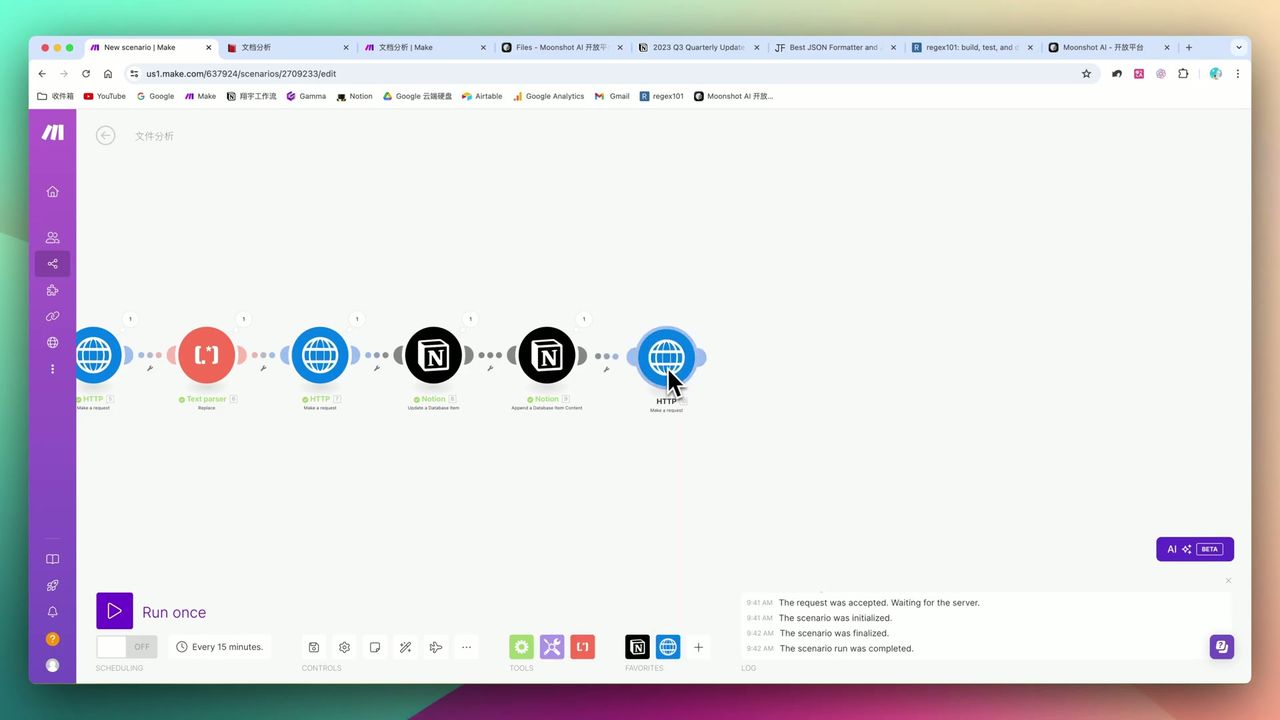 Must configure file deletion step
Kimi API has hard limit of 100 files, must configure deletion step:
Request Configuration:
- URL:
https://api.moonshot.cn/v1/files/{{file_id}} - Method: DELETE
- Headers:
Authorization: Bearer {{api_key}}
Important: Without deletion step, workflow will completely fail after 100 runs!
Important Notes
Common “pitfalls” in practice:
-
JSON Structure “Invisible Killer” - PDF-parsed raw text contains special characters, must use Text Parser regex cleaning
-
File Accumulation Trap - Kimi has 100 file limit, must configure “delete after analysis” step
-
Data Delay & Mapping Difficulty - In Make, if previous HTTP request hasn’t run, subsequent modules can’t map variables, need to “dry run” once to get data structure
-
Notion Size Bottleneck - Free version only supports 5MB files, large PDFs need Google Drive workaround
-
HTTP Timeout - Recommend extending timeout to 300+ seconds for long text processing
Actual Results
Processing Capability:
- Can accurately extract “Financial Summary”, “Cost Control” and 10 other core insights from 30+ page English Tesla financial report
Processing Efficiency:
- Compared to manual reading, machine processing takes only minutes (depends on file length)
Use Cases
Recommended For
- Finance Professionals/Researchers - Read many research reports daily to get key information
- OpenAI-Restricted Users - Need high-quality Chinese long text processing capability
- Notion Power Users - Want to build automated knowledge base closed loop
May Not Suit
- Complete beginners with no concept of API, JSON, HTTP requests
- Very large scanned file processors (>50MB image PDFs)
FAQ
Why choose Kimi over OpenAI?
Kimi supports 128K+ ultra-long context, strong Chinese processing capability, directly accessible in China, relatively low API cost, suitable for long Chinese documents.
What are Kimi API’s limitations?
File storage limit of 100 files, errors when exceeded. Must configure deletion step in workflow to clean files promptly after processing.
Why need Text Parser to clean data?
PDF-parsed raw text often contains newlines, special characters that break JSON structure causing API errors when put directly in JSON. Must use regex to clean.
What are Notion file upload limitations?
Notion free version only supports 5MB file uploads. Large PDFs need to use Google Drive workaround trigger.
Next Steps
After learning the basic workflow, you can try:
- Add OCR module to process scanned PDFs
- Integrate multilingual translation functionality
- Add batch processing queue
- Set scheduled tasks to auto-process new files
Feel free to leave comments if you have questions!
FAQ
- Why choose Kimi over OpenAI?
- Kimi supports 128K+ ultra-long context, strong Chinese processing capability, directly accessible in China, relatively low API cost, suitable for long Chinese documents.
- What are Kimi API's limitations?
- File storage limit of 100 files, errors when exceeded. Must configure deletion step in workflow to clean files promptly after processing.
- Why need Text Parser to clean data?
- PDF-parsed raw text often contains newlines, special characters that break JSON structure causing API errors when put directly in JSON. Must use regex to clean.
- What are Notion file upload limitations?
- Notion free version only supports 5MB file uploads. Large PDFs need to use Google Drive workaround trigger.
Start Building Your Automation Today
Join 500,000+ users automating their work with Make.com. No coding required, free to start.
Get Started FreeRelated Tutorials
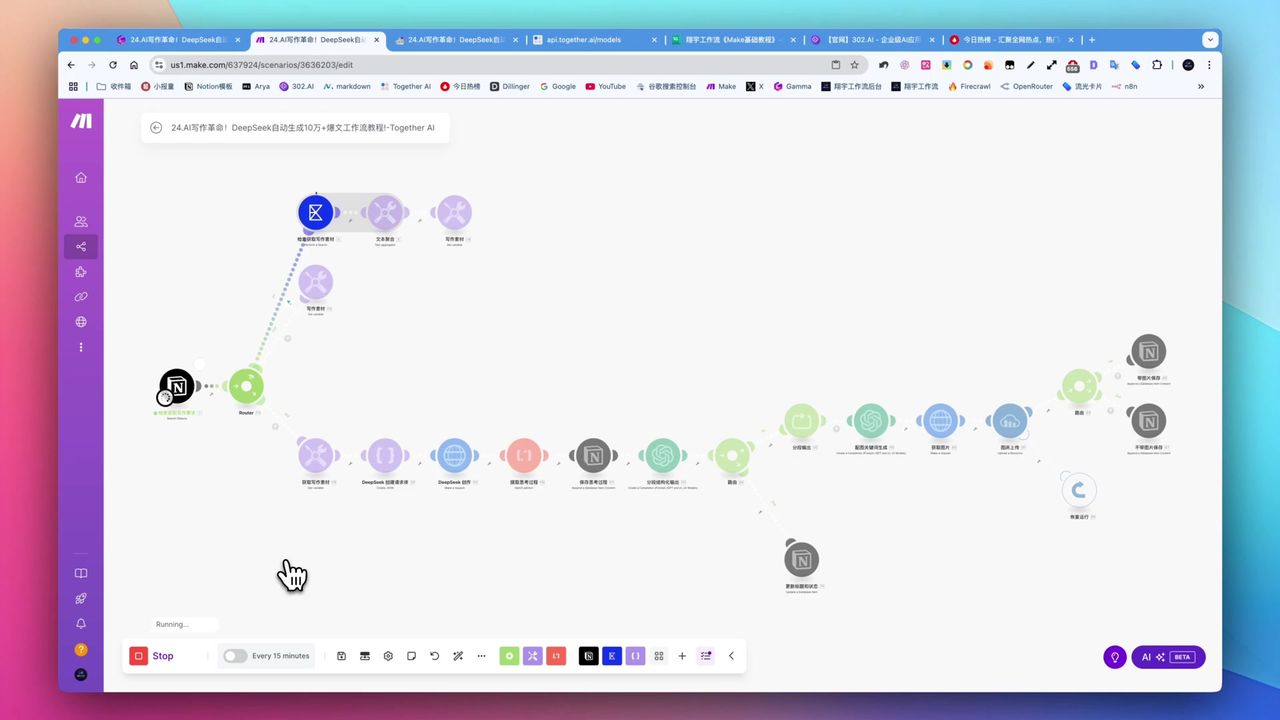
Create Viral Content with Make.com & DeepSeek AI
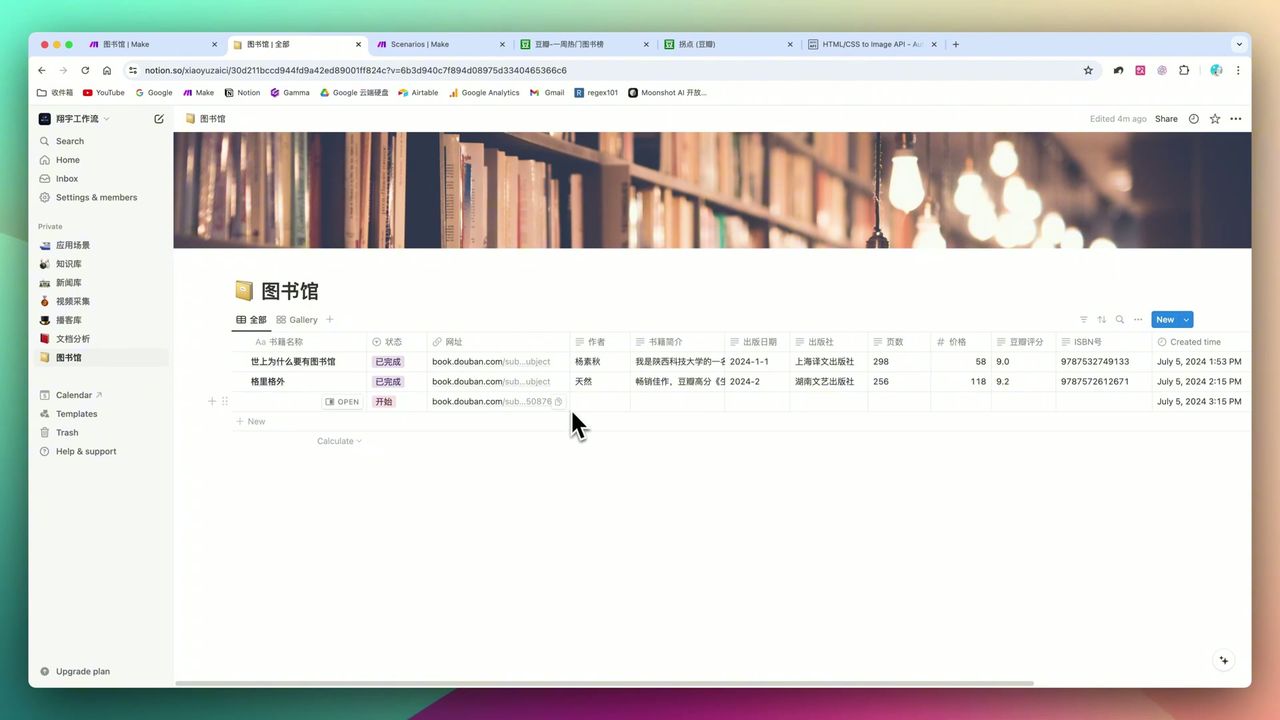
Build Notion Book Library with Make.com & GPT-4o Vision
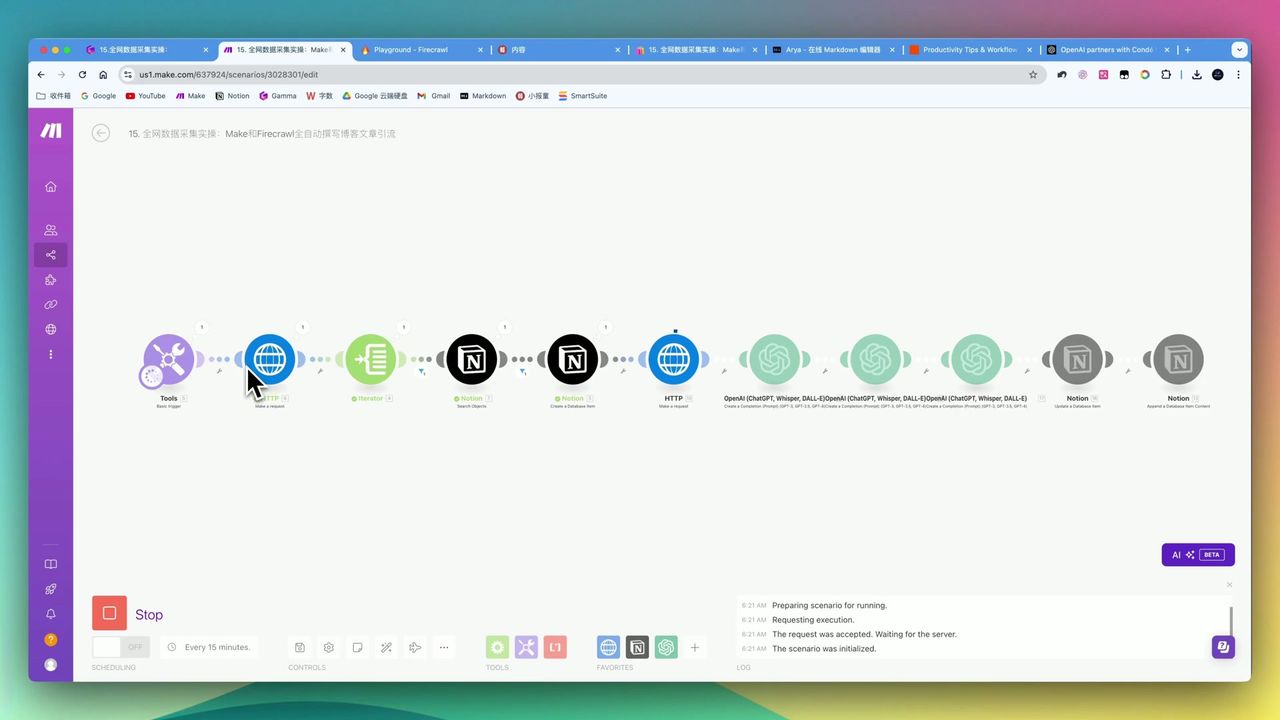
Automate Blog Writing with Make.com & Firecrawl Web Scraper
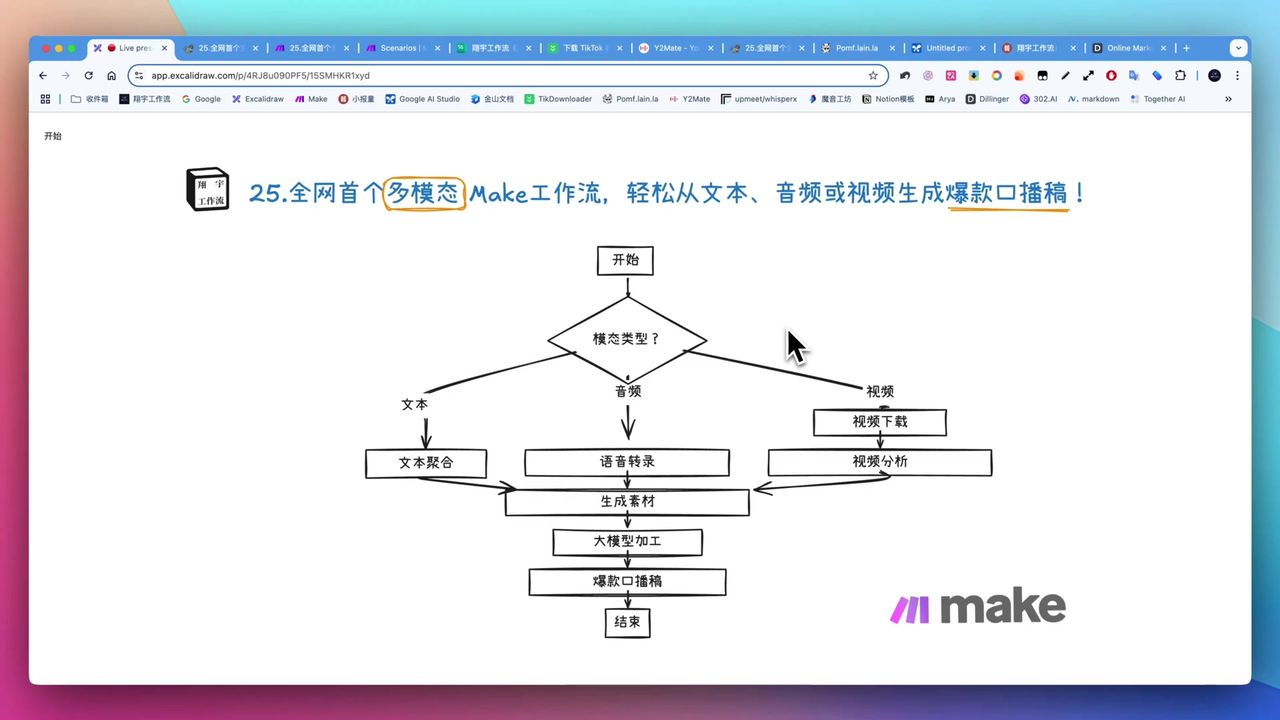
Build Multimodal Video Scripts with Make.com
About the author
Alex Chen
Automation Expert & Technical Writer
Alex Chen is a certified Make.com expert with 5+ years of experience building enterprise automation solutions. Former software engineer at tech startups, now dedicated to helping businesses leverage AI and no-code tools for efficiency.
Credentials