Generate 15,000-Word Articles with Make.com & OpenRouter
Auto-generate 6-chapter, 15,000-word structured articles in 3 minutes using Make.com and OpenRouter's unified API. Switch between dozens of AI models.
Ready to automate?
Start building this workflow with Make.com — free forever on the starter plan.
Overview
This tutorial explores how to use Make.com and OpenRouter tools combined with large language models to automatically batch-generate long-form articles.
This solution produces well-structured, content-rich articles in minutes:
- Topic Input - Set article topics in Notion
- Outline Generation - AI automatically generates article structure
- Chapter Filling - Generate detailed content chapter by chapter
- Consolidate & Save - Auto-integrate and store to Notion
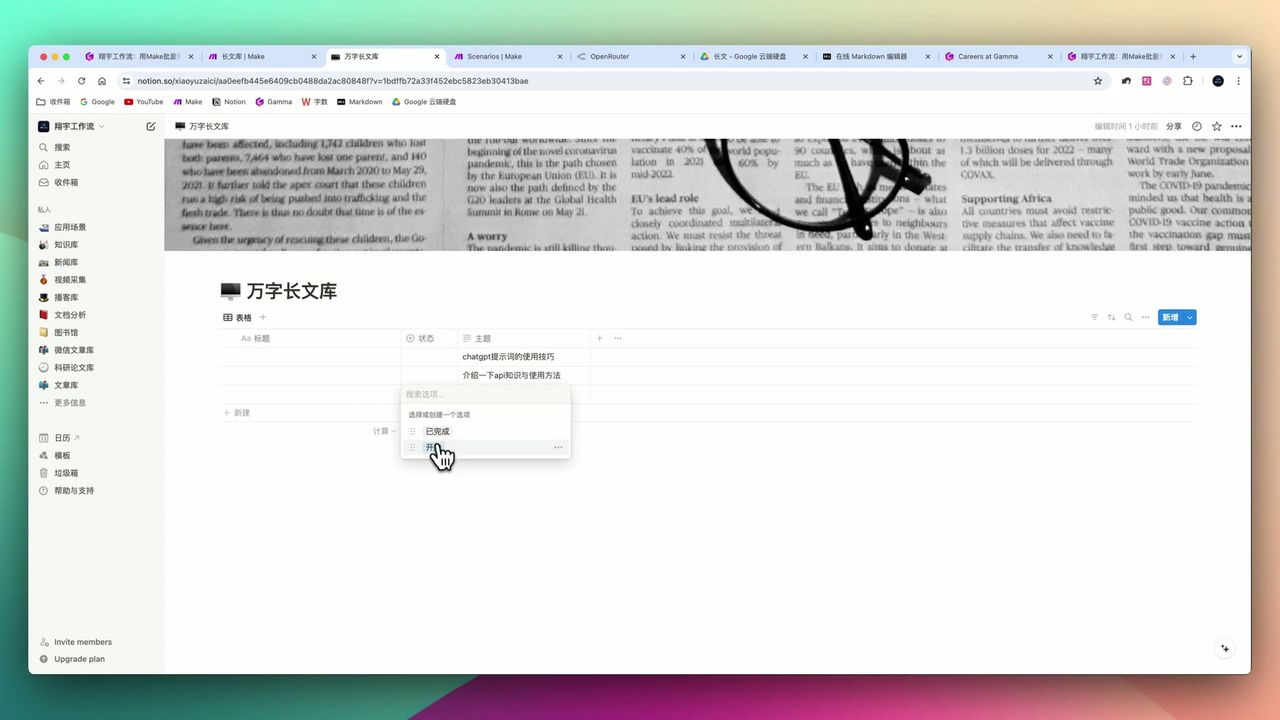 Complete workflow: Notion trigger → Outline generation → Chapter iteration → Content consolidation
Core Decision Factors
When choosing AI writing automation solutions, focus on:
- Writing Efficiency - Can workflow rapidly generate large volumes of text, saving manual time
- Content Quality - Logic, factual accuracy, and depth of generated articles
- Cost-effectiveness - Fee comparison of different large language models and APIs
- Flexibility - Support for customizing different topics, styles, and knowledge sources
Technical Specifications
| Specification | Value | Notes |
|---|---|---|
| Single Run Time | 3 minutes | Generate 6-chapter long article |
| Chapters Generated | 6-7 | Configurable |
| Characters Generated | 14,000 - 15,000+ | Chinese characters |
| Words per Chapter | ~3,000 words | Each chapter’s requirement |
| Claude 3.5 Input Price | $3/million tokens | OpenRouter platform price |
| Claude 3.5 Output Price | $15/million tokens | OpenRouter platform price |
| Models Supported | Dozens | Including Claude, GPT, Llama, etc. |
| Article Format | Markdown | With H3 headings, code blocks, etc. |
Prerequisites
Before starting, ensure you have:
- Make.com account (free registration)
- OpenRouter account and API key
- Notion account and database
Notion Database Field Settings
Create database in Notion with these fields:
- Title (Title) - Article title
- Topic (Text) - Article topic description
- Status (Select) - Pending/Generating/Completed
Knowledge Source Comparison
When generating long articles, you can choose different knowledge sources, each with pros and cons:
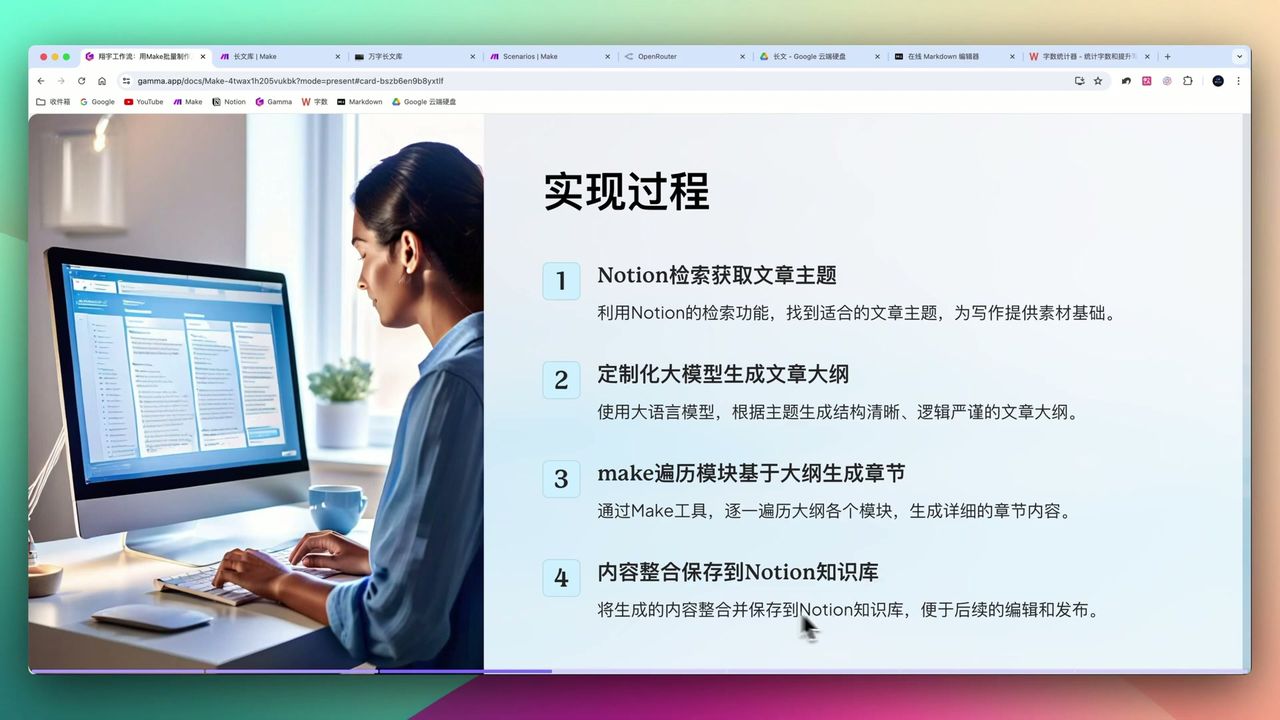 Impact of different knowledge sources on article quality and characteristics
| Knowledge Source | Advantages | Limitations |
|---|---|---|
| Model’s Own Knowledge | Wide coverage, fast response | Lacks depth, may have errors |
| Search Engine Retrieval | Good real-time information | Low relevance with keyword mismatches |
| Specific Book Knowledge | Accurate deep content | Small coverage, limited to book content |
| Research Preprints | High professionalism | High reading difficulty, extremely narrow coverage |
Step 1: Configure Notion Trigger
Add Notion module in Make, configure:
- Select your article database
- Set filter conditions (e.g., status “Pending”)
- Get article topic information
Note: Newly created Notion pages may need re-authorization for Make access.
Step 2: Why Choose OpenRouter
OpenRouter is this workflow’s core highlight, providing unified API interface supporting dozens of large language models.
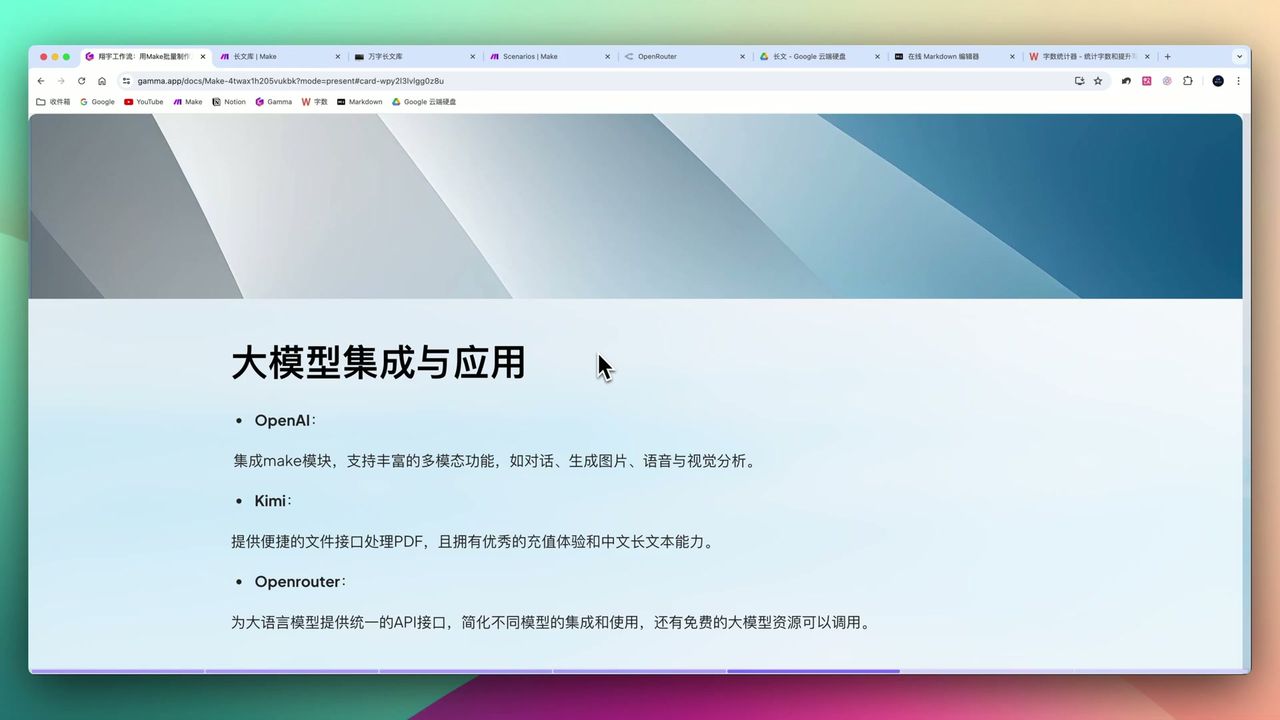 OpenRouter vs other large model APIs
OpenRouter Advantages:
- Unified Interface - One API key accesses all models
- Free Switching - Easily switch between Claude, GPT, Llama, etc.
- Cost Control - Provides free model options
- No VPN Required - Directly accessible domestically
In comparison, OpenAI API acquisition and payment may have difficulties, while domestic APIs like Kimi may have other limitations.
Step 3: Generate Article Outline
Use OpenRouter to call large model for article structure generation.
Prompt Design Points:
You are a professional long-form writing expert. Generate article outline based on topic, requirements:
1. Divide into 6-7 chapters
2. Each chapter title clear and specific
3. Each chapter outline description at least 500 words
4. Output strict JSON format with chapter numbers and titles
Key Parameters:
- Model: Claude 3.5 Sonnet (high quality)
- Response Format: Force JSON output
Note: Must explicitly fix JSON output format with examples, otherwise model returns unstable structure causing workflow failures.
Step 4: Iterate to Generate Chapter Content
Use Make’s Iterator module to traverse outline, generating detailed content chapter by chapter.
Chapter Generation Prompt:
Generate detailed content based on the following chapter outline:

Chapter Number: {{bundle order position}}
Chapter Title: {{title}}
Outline Requirements: {{outline}}

Requirements:
1. Content at least 3000 words
2. Use Markdown format
3. Include H3 headings and code references (if applicable)
Using bundle order position placeholder ensures chapters are numbered sequentially, avoiding manual layout intervention.
Step 5: Use Router to Control Flow
This is an advanced technique and where errors commonly occur.
Why Need Router?
Without Router module, it may cause:
- Subsequent modules repeatedly running
- Duplicate content in Notion database
- Wasted operations
Correct Approach:
- Add Router module
- Set condition: After completing all chapter iterations
- Then perform one-time consolidation and saving
Step 6: Consolidate & Save to Notion
Consolidate all chapter content and save to Notion database.
Use Text Aggregator module:
- Aggregate all chapters’ Markdown content
- Arrange in chapter order
- Write to Notion in one go
Final Results
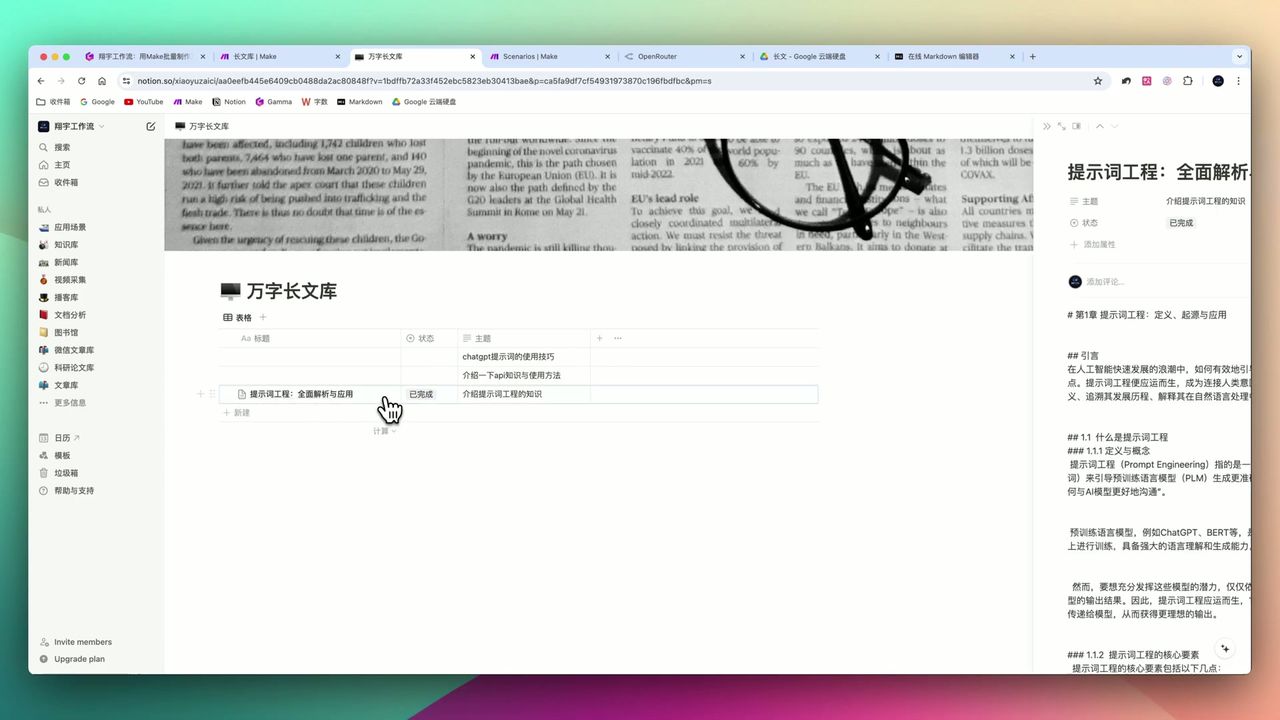 AI-generated article final content and layout quality
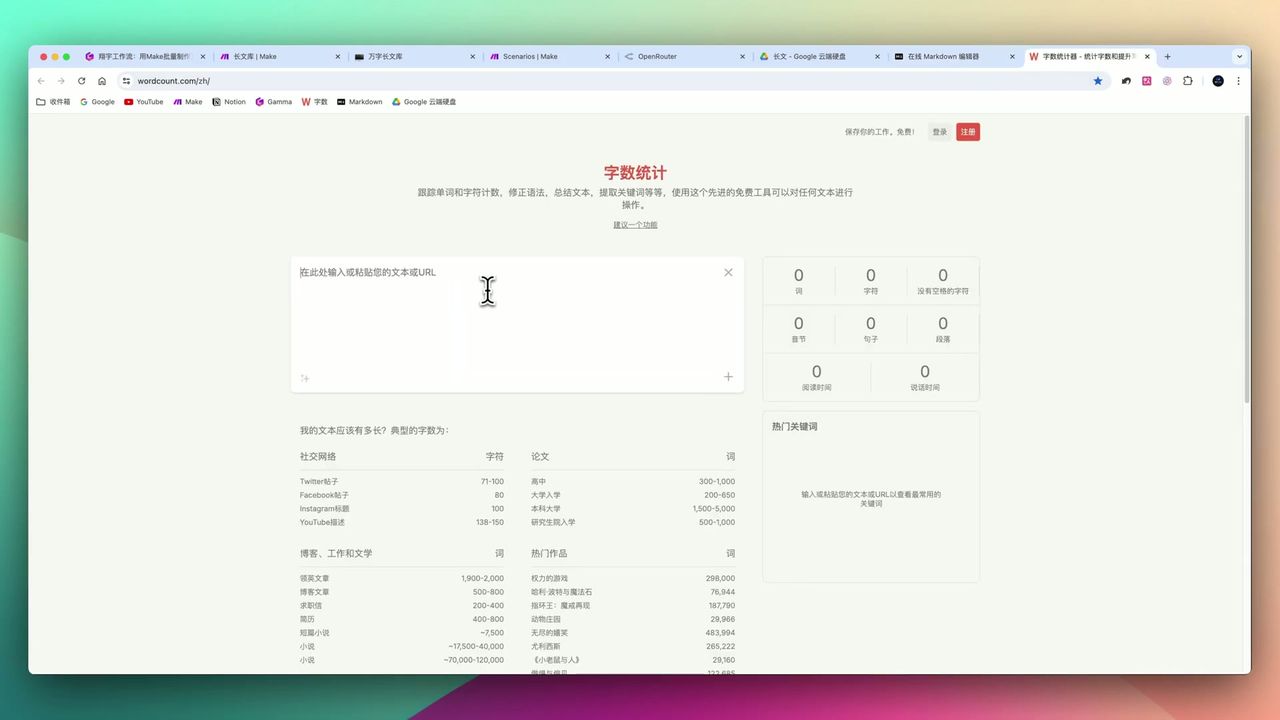 14,000+ character article completed in 3 minutes
After workflow runs, you’ll get:
- Well-structured long article
- Automatic Markdown layout (H3 headings, code references, etc.)
- All content auto-saved to Notion
Gotchas
During setup, pay attention to:
-
Model Knowledge Limitations - Content generated from model’s own knowledge may lack depth; requires human review
-
JSON Format Stability - Must explicitly specify output format with examples, otherwise parsing fails
-
Router Module Necessity - Must use Router to control flow, avoid repeated runs and data chaos
-
Model Choice Affects Quality - Different models vary in quality; recommend Claude 3.5 or GPT-4
-
Prompt Engineering - Need carefully designed prompts to control word count, format, and chapter structure
Use Cases
Recommended Users
- Content Creators - Need regular output of large volumes of long articles
- SEO Specialists - Rapidly generate multi-platform marketing content
- Educators - Create science popularization, educational articles
- Cost-conscious Users - Control costs via OpenRouter free models
May Not Suit
- Authors pursuing absolute originality and deep insights
- Beginners unfamiliar with technical setup
- Users with extremely high factual accuracy requirements unwilling to proofread
FAQ
How long to generate a 10,000-word article?
Approximately 3 minutes for 6 chapters, 14,000-15,000 characters, including outline generation and chapter content filling.
What’s OpenRouter’s advantage over direct OpenAI?
OpenRouter provides unified API to switch between dozens of models (Claude, GPT, Llama, etc.), includes free models, and effectively controls costs.
How is the content quality?
Content structure is clear and logically coherent, auto-generates Markdown format, but still requires human review for factual accuracy as models may generate errors.
Why use Router module?
Router ensures one-time consolidation and saving after iterating through all chapters, avoiding data redundancy and wasted operations from repeated runs.
Next Steps
After mastering the basic workflow, you can try:
- Integrating search engine API for real-time information
- Adding specific book knowledge bases to increase content depth
- Setting up multilingual translation for bilingual articles
- Adding review steps to ensure content accuracy
Questions? Feel free to leave comments!
FAQ
- How long to generate a 10,000-word article?
- Approximately 3 minutes for 6 chapters, 14,000-15,000 characters, including outline generation and chapter content filling.
- What's OpenRouter's advantage over direct OpenAI?
- OpenRouter provides unified API to switch between dozens of models (Claude, GPT, Llama, etc.), includes free models, and effectively controls costs.
- How is the content quality?
- Content structure is clear and logically coherent, auto-generates Markdown format, but still requires human review for factual accuracy as models may generate errors.
- Why use Router module?
- Router ensures one-time consolidation and saving after iterating through all chapters, avoiding data redundancy and wasted operations from repeated runs.
Start Building Your Automation Today
Join 500,000+ users automating their work with Make.com. No coding required, free to start.
Get Started FreeRelated Tutorials
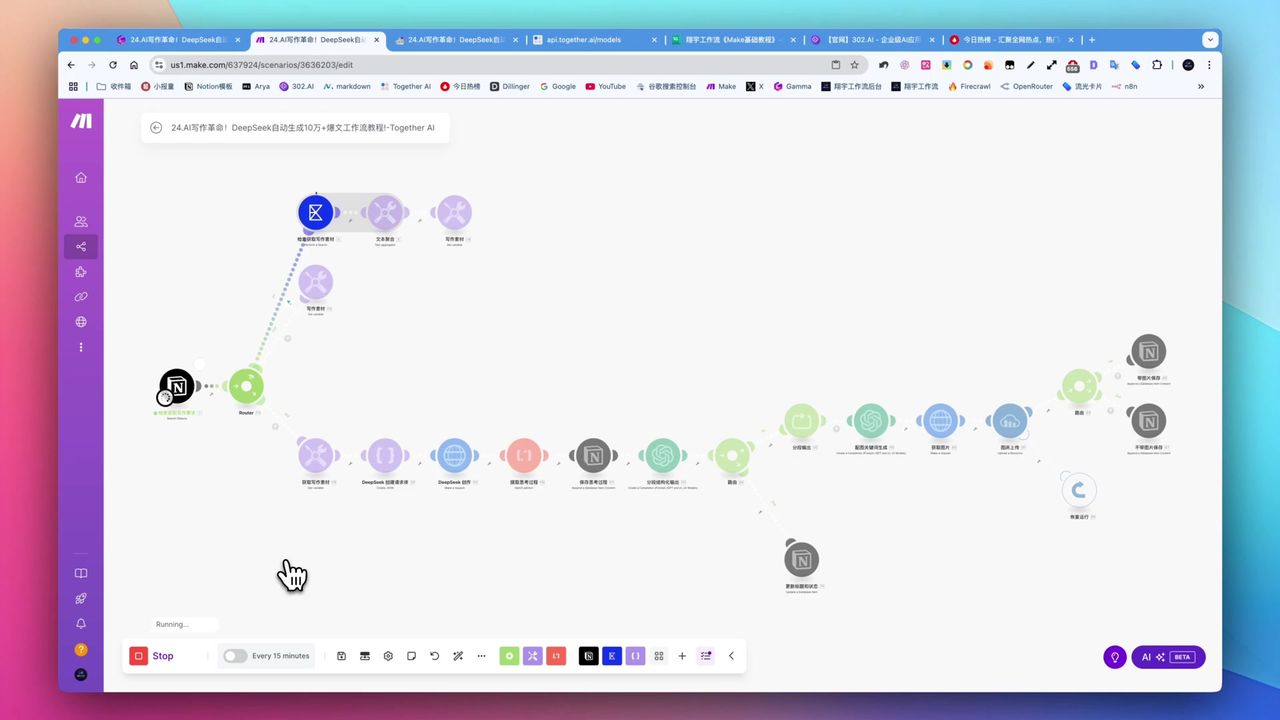
Create Viral Content with Make.com & DeepSeek AI
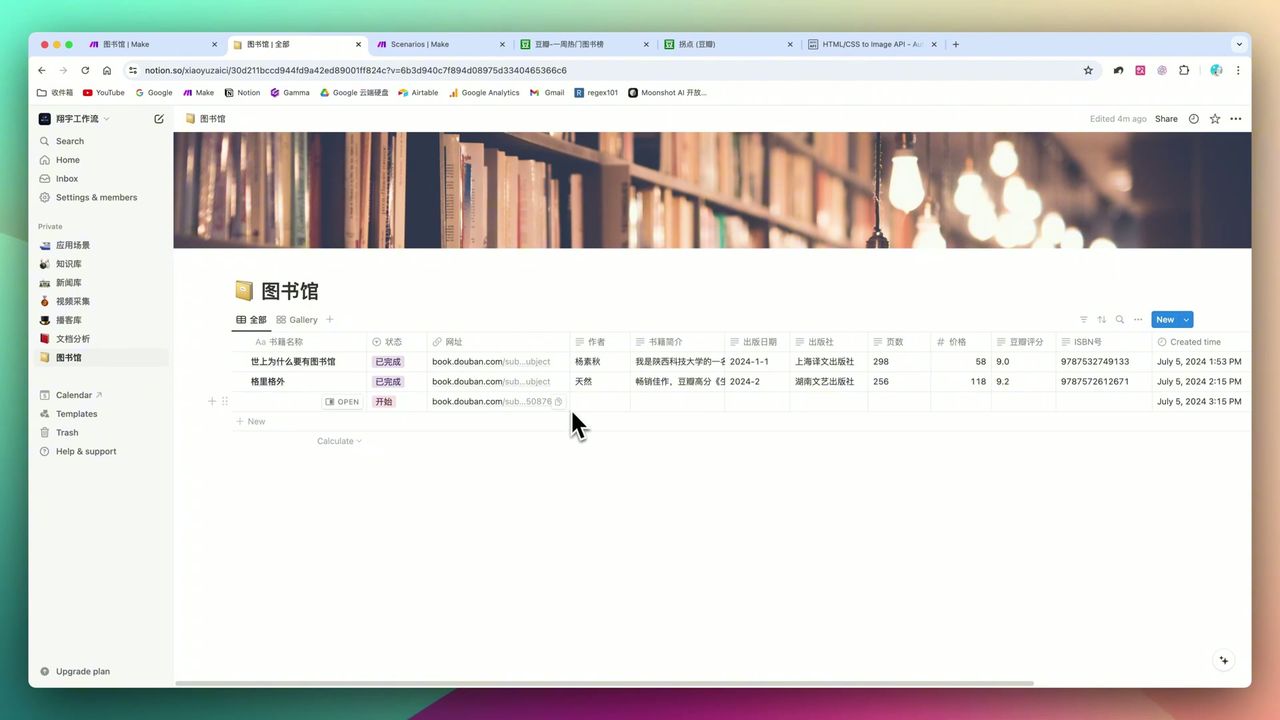
Build Notion Book Library with Make.com & GPT-4o Vision
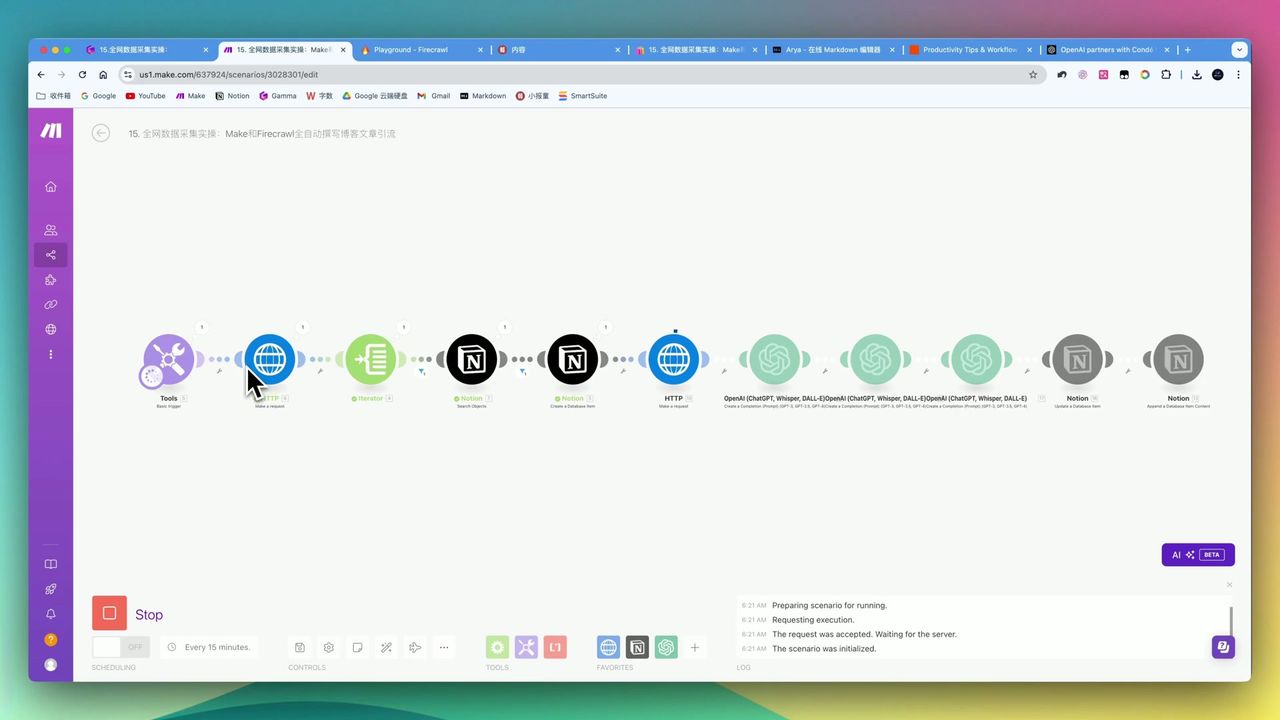
Automate Blog Writing with Make.com & Firecrawl Web Scraper
Automate PDF Analysis with Make.com & Kimi 128K Context
About the author
Alex Chen
Automation Expert & Technical Writer
Alex Chen is a certified Make.com expert with 5+ years of experience building enterprise automation solutions. Former software engineer at tech startups, now dedicated to helping businesses leverage AI and no-code tools for efficiency.
Credentials