Build Social Media Content Factory with Make.com & AI
Automate content creation from discovery to generation using Make.com, Jina Reader, and OpenAI for social platforms like Instagram, Pinterest, and blogs.
Ready to automate?
Start building this workflow with Make.com — free forever on the starter plan.
Overview
Note for Western Readers: While this tutorial references “Xiaohongshu” (Little Red Book, a Chinese social platform similar to Instagram/Pinterest), the workflow principles apply to any visual social platform including Instagram, Pinterest, LinkedIn, or content platforms like Medium and Dev.to.
For content creators pursuing extreme efficiency, especially those focused on news aggregation and secondary processing, this Make.com-based workflow is a major upgrade.
It successfully automates the entire pipeline from topic discovery to content generation to formatted archival:
- Information Collection - Industry news via Inoreader RSS subscriptions
- Content Cleaning - Jina Reader extracts core web page content
- AI Creation - GPT-4o generates social media-style posts
- Structured Storage - Auto-archive to Notion database
Once configured, it’s a tireless 24/7 content production machine.
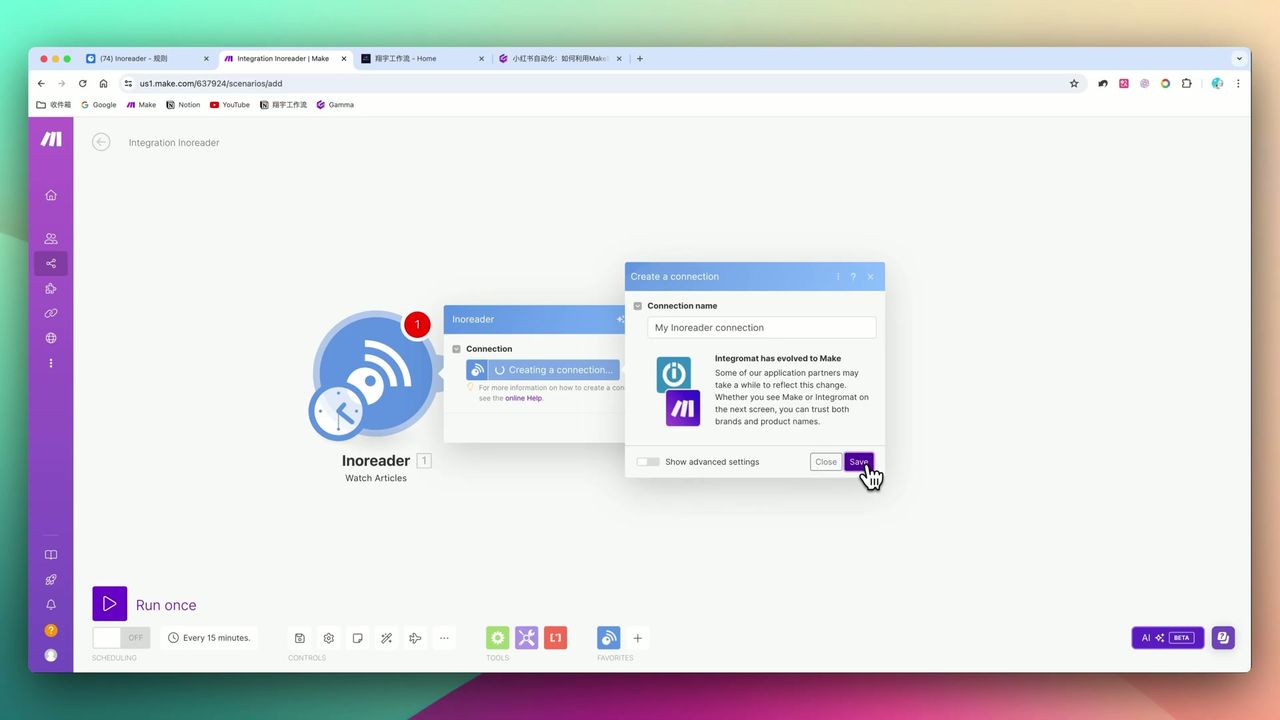 Complete workflow: Inoreader → Jina Reader → OpenAI → Notion
Core Decision Factors
When choosing or building such automation systems, focus on:
- Automation Stability - Is the process prone to errors? Will web scraping encounter anti-crawling measures?
- Content Quality - Do AI-generated posts have authentic voice? Can you adjust tone via prompts?
- API Costs - Combined costs of Inoreader Pro, OpenAI Tokens, Make.com operations
- Extensibility - Can you easily switch news sources or distribution platforms?
Technical Configuration Reference
| Configuration Item | Parameter/Setting | Notes |
|---|---|---|
| Core Hub | Make.com | Links all services |
| Information Source | Inoreader RSS | Use with API or folder subscriptions |
| Scraping Engine | Jina Reader API | Convert web pages to LLM-friendly Markdown |
| AI Model | GPT-4o (recommended) | Use System/User dual-role setup |
| Output Format | JSON Mode | Force structured data return |
| Character Limit | Discard if <3000 chars | Prevent failed scraping from degrading quality |
| Target Word Count | 300-400 words | Optimal social media reading length |
| Data Storage | Notion Database | Include URL, body, tags, etc. fields |
Prerequisites
Before starting, ensure you have:
- Make.com account
- OpenAI API key (recommend GPT-4o)
- Notion account (to store generated content)
- Inoreader account (for RSS subscriptions, needs Pro for API)
- Jina Reader API (free tier sufficient for testing)
Step 1: Configure Inoreader Information Source
Set up RSS subscriptions in Inoreader:
- Subscribe to target niche information sources (e.g., AI, tech news)
- Create folders or rules for categorization
- Obtain API Token for Make.com integration
Add Inoreader module in Make to retrieve latest article lists.
Step 2: Use Jina Reader to Clean Content
This is one of the workflow’s core highlights.
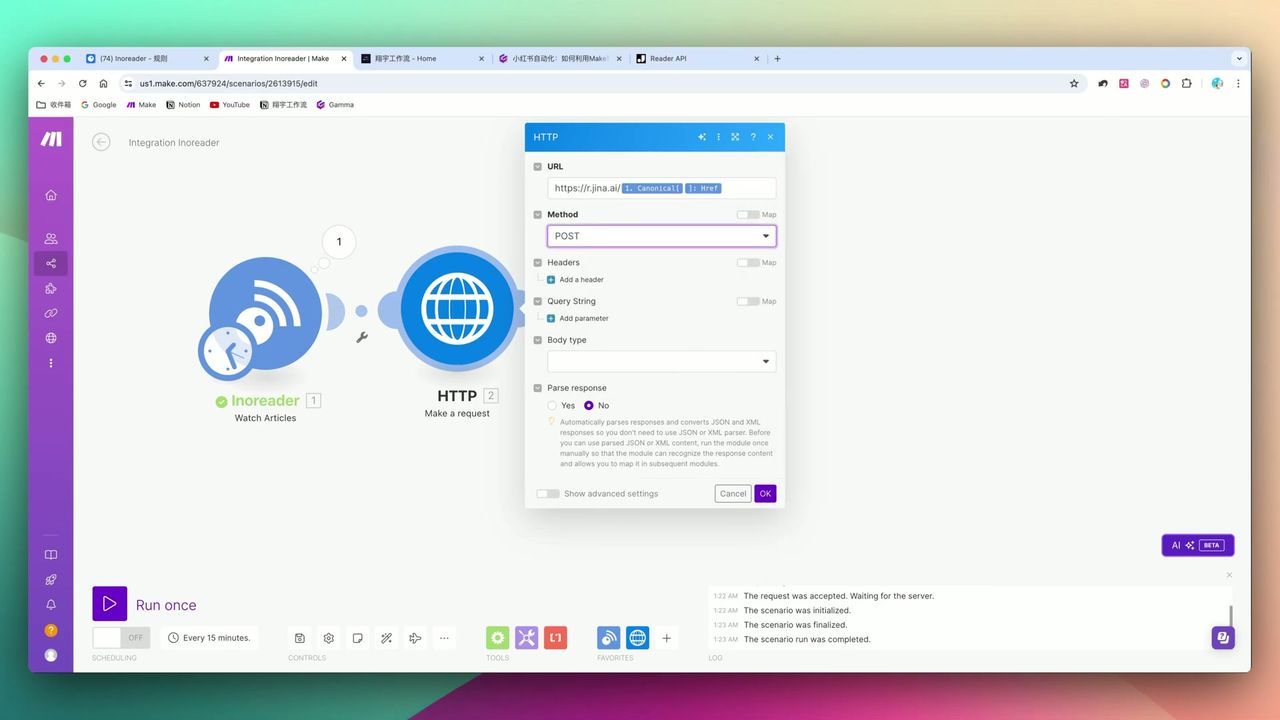 Jina Reader API Header configuration: Accept, Authorization, etc.
Why Need Jina Reader?
Direct web page scraping includes massive HTML code, ads, sidebars, and other interference:
- Token consumption explodes
- Too much interference affects AI understanding
- May contain sensitive or irrelevant content
Jina Reader converts web pages to clean Markdown/Text format, preserving only core article content.
Configuration Points:
- URL:
https://r.jina.ai/{{original_URL}} - Header:
Accept: text/markdown - Optional:
X-No-Cache: true
Step 3: Add Content Filter
To ensure quality, filter out failed scraping or overly short content.
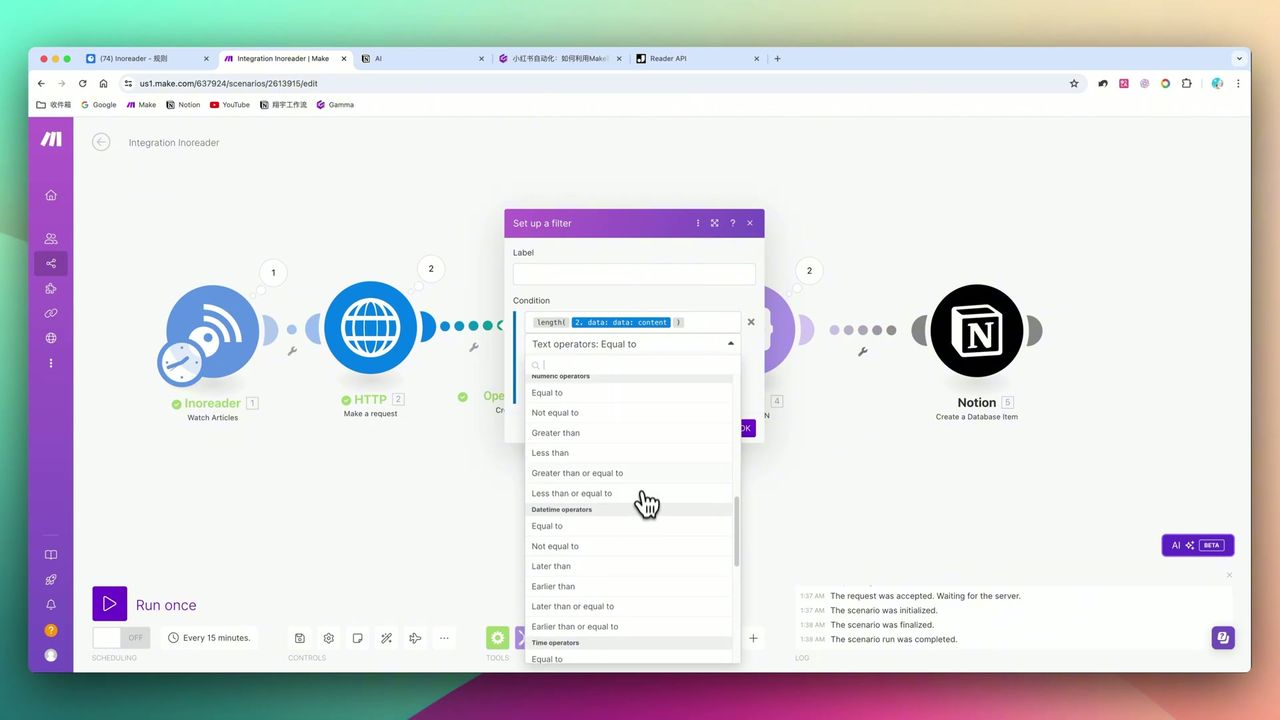 Character count greater than 3000 filtering logic
Add Filter on Make.com connection:
- Condition: Original text length > 3000 characters
- Purpose: Prevent anti-crawling blocks or failed scraping from degrading generation quality
Note: Jina Reader may encounter blocking situations; setting filters is necessary error handling.
Step 4: Configure OpenAI to Generate Posts
Use detailed prompts to control AI output for social media-style content.
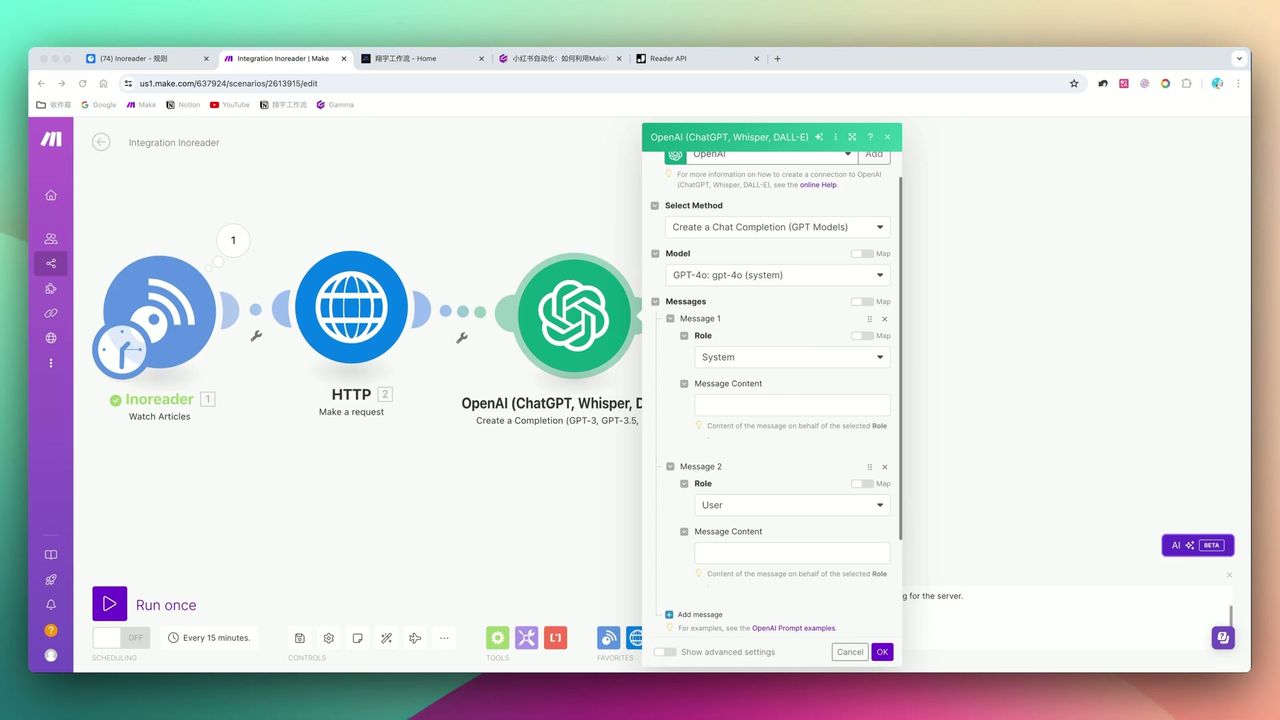 System Prompt and User Prompt configuration interface
Prompt Design Points:
System Role:
You are a professional social media content creator skilled at transforming industry news into engaging posts.

Requirements:
1. Attention-grabbing titles with appropriate emoji use
2. Body text 300-400 words, conversational expression
3. Include 3-5 relevant hashtags
4. Output strict JSON format: {"title": "", "content": "", "tags": []}
Key Configuration:
- Model: GPT-4o (better quality)
- Response Format: JSON Mode (force structured output)
- Temperature: 0.7 (balance creativity and accuracy)
Step 5: Save to Notion
Save generated structured content to Notion database.
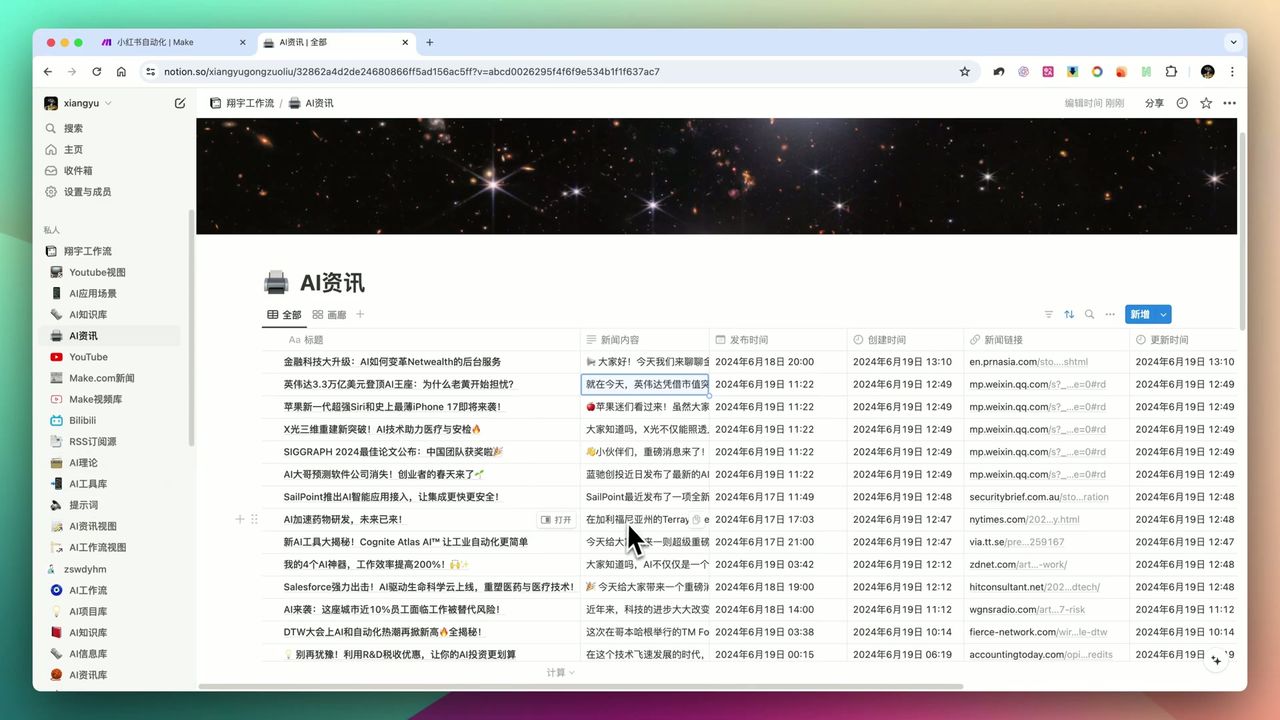 Table view with titles, body, tags, and URLs
Notion database field design:
- Title (Title) - AI-generated viral title
- Body (Text) - Social media post content
- Tags (Multi-select) - Relevant topic tags
- Source URL (URL) - Information source
- Status (Select) - Pending/Published
- Created (Date) - Auto-record
User Experience
Factory-Style Production Satisfaction
Once configured, the experience is extremely satisfying. From Inoreader scraping news to instantly generating structured posts with titles, body, and tags in Notion—the entire process requires no manual intervention.
Powerful Cleaning Capability
Jina Reader API removes excess HTML code from web pages, extracting only core text. This step is critical; otherwise Token consumption explodes and interference is excessive.
Highly Customizable
Content quality entirely depends on prompt design skill. You can adjust prompts for different niches and styles with high ceiling potential.
Pitfalls to Avoid
During setup, pay special attention to:
-
Scraping Failure Risk - Jina Reader may encounter blocking situations; must set up filters for error handling
-
Make.com Chinese Input Bug - First character may not register when inputting Chinese; need manual correction
-
Technical Threshold - Requires understanding JSON parsing, HTTP Header configuration, and Prompt Engineering
-
Cost Control - High-frequency runs consume significant Tokens; recommend monitoring usage
Use Cases
Recommended For
- News-Type Content Creators - Bloggers needing to aggregate, translate, rewrite industry updates
- Product Managers/Analysts - Need to automatically collect competitor updates and generate briefs
- Researchers/Students - Need to track latest papers and generate summaries
- Operations Teams - Need to batch produce standardized content
May Not Suit
- Pure original/emotional bloggers (cannot replace personalized creation)
- Users completely unfamiliar with HTTP, JSON concepts
- Extremely budget-conscious users unwilling to pay SaaS subscriptions
FAQ
What are the running costs of this workflow?
Requires Inoreader Pro, OpenAI Token consumption, and Make.com operations fees. For high-volume news processing, Token costs are significant—evaluate based on actual usage.
What is Jina Reader and what does it do?
Jina Reader is an API service converting web pages into LLM-friendly formats (Markdown/Text). It removes ads, sidebars, and other distractions, extracting only core text and dramatically reducing Token consumption.
Why filter out content less than 3000 characters?
This is quality control. Overly short content may result from failed scraping or anti-crawling blocks. Discarding it prevents generating low-quality posts.
Can it publish directly to social platforms?
Currently, the workflow stores content in Notion, requiring manual or separate tool publishing. Most platforms are cautious about automated posting.
Next Steps
After mastering the basic workflow, you can try:
- Add more RSS sources to expand content sources
- Integrate image generation APIs to automatically create visuals
- Add scheduled triggers for complete automation
- Try interfacing with other platforms (Medium, LinkedIn, etc.)
Feel free to leave comments with questions!
FAQ
- What are the running costs of this workflow?
- Requires Inoreader Pro, OpenAI Token consumption, and Make.com operations fees. For high-volume news processing, Token costs are significant—evaluate based on actual usage.
- What is Jina Reader and what does it do?
- Jina Reader is an API service converting web pages into LLM-friendly formats (Markdown/Text). It removes ads, sidebars, and other distractions, extracting only core text and dramatically reducing Token consumption.
- Why filter out content less than 3000 characters?
- This is quality control. Overly short content may result from failed scraping or anti-crawling blocks. Discarding it prevents generating low-quality posts.
- Can it publish directly to social platforms?
- Currently, the workflow stores content in Notion, requiring manual or separate tool publishing. Most platforms are cautious about automated posting.
Start Building Your Automation Today
Join 500,000+ users automating their work with Make.com. No coding required, free to start.
Get Started FreeRelated Tutorials
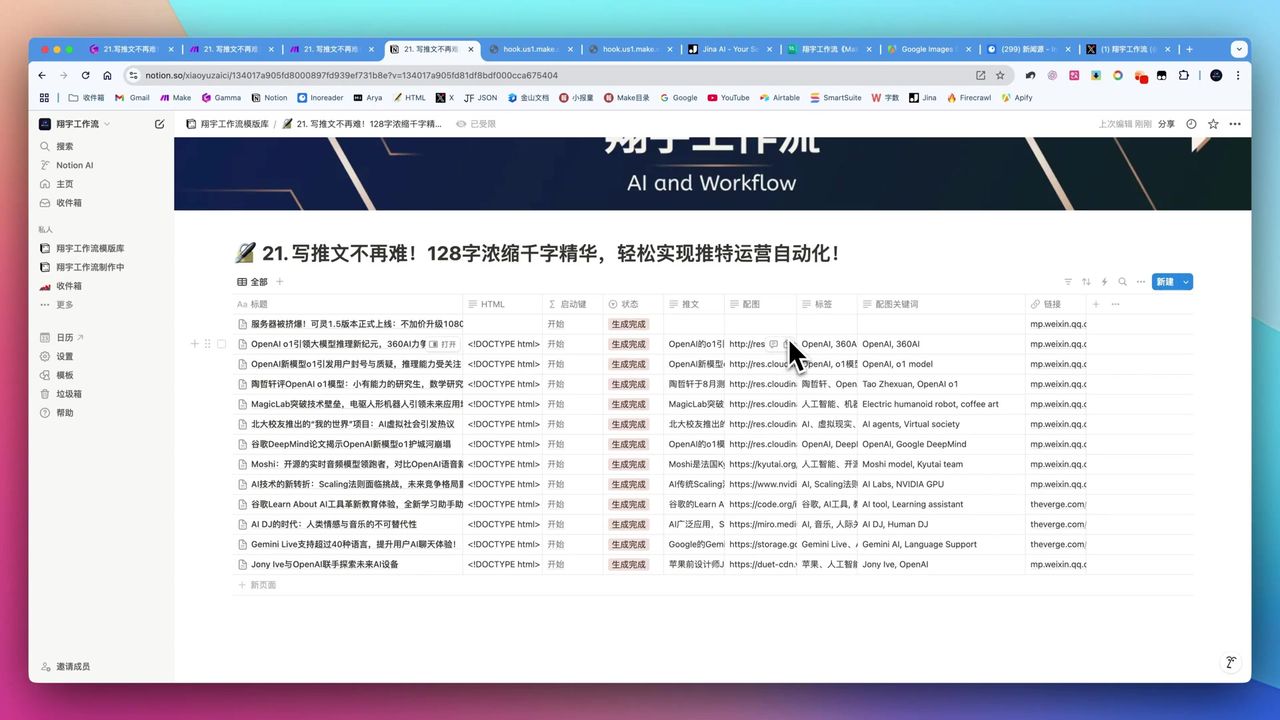
Automate Twitter Content with Make.com AI Refinement
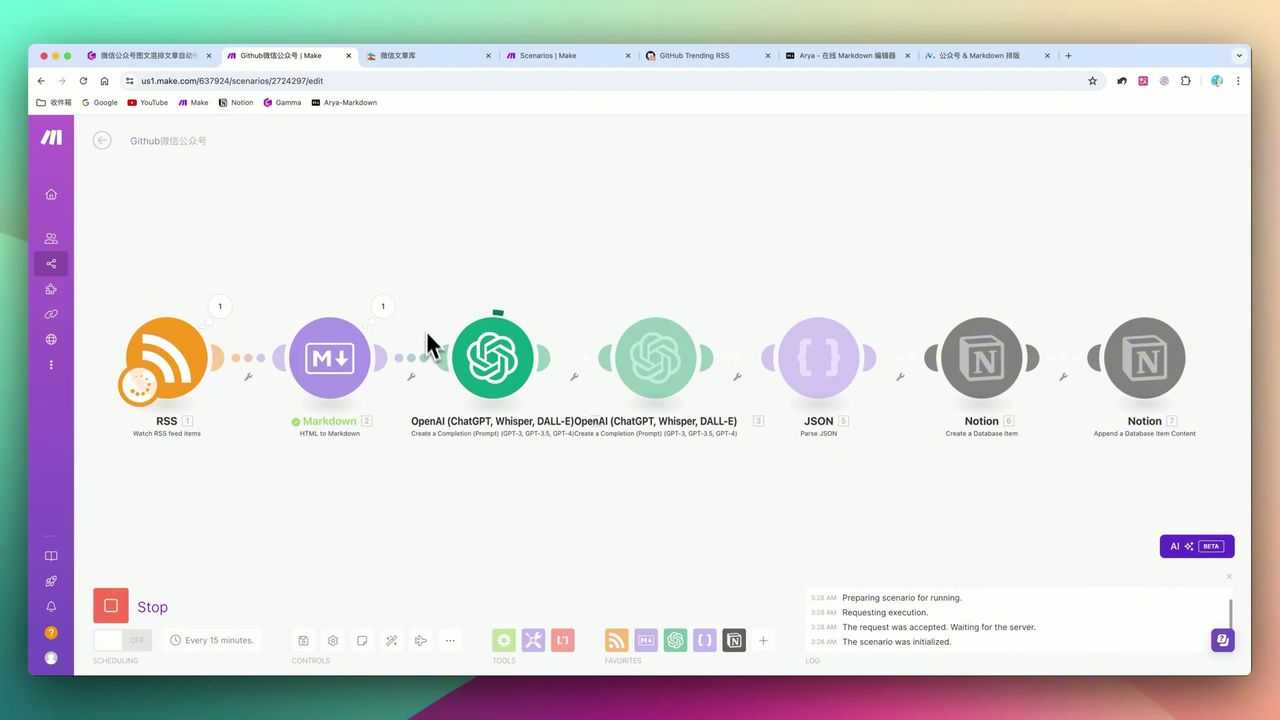
Make.com: Automate Content for WeChat & Social Platforms
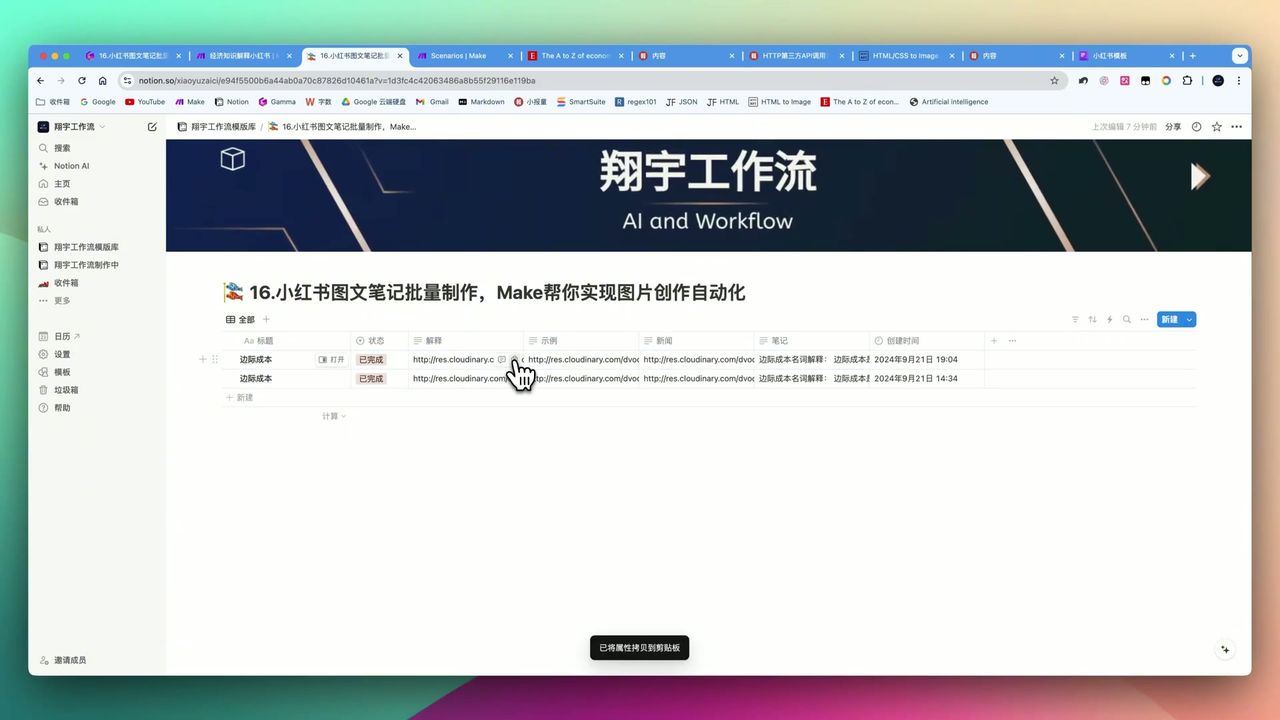
Generate Batch Social Media Cards with Make.com
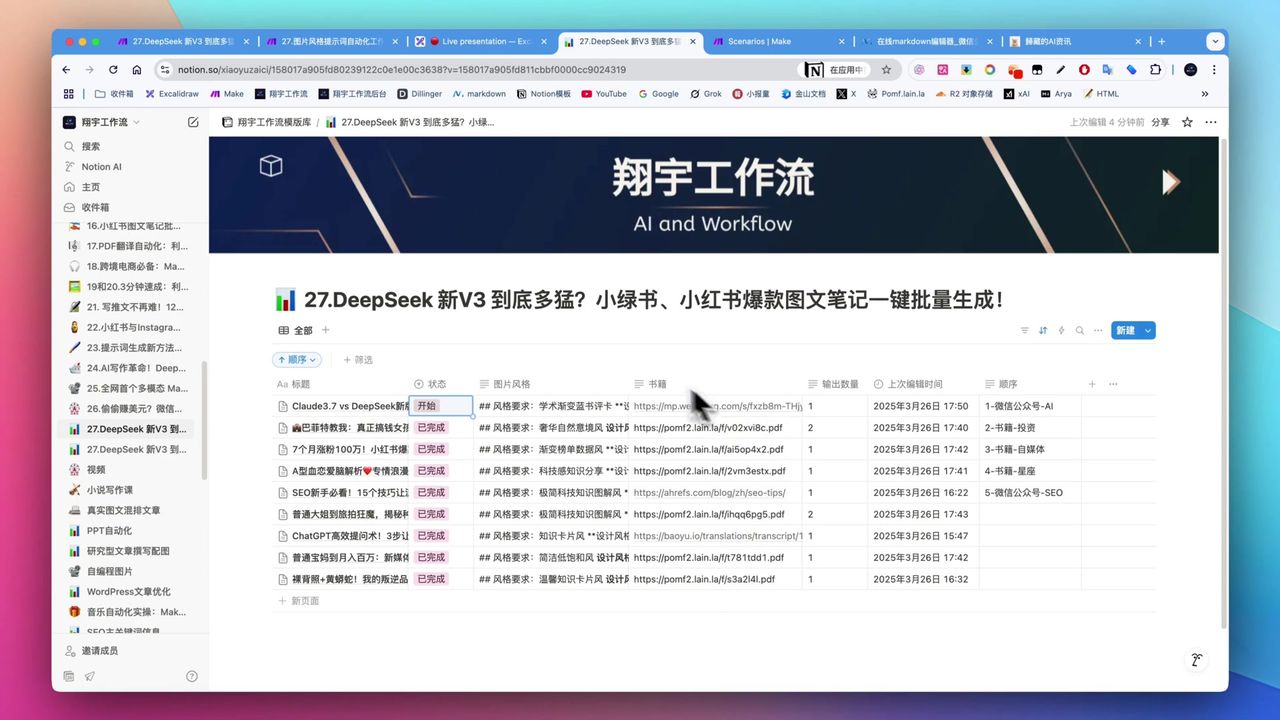
Create Viral Social Posts with DeepSeek V3 & Make.com
About the author
Alex Chen
Automation Expert & Technical Writer
Alex Chen is a certified Make.com expert with 5+ years of experience building enterprise automation solutions. Former software engineer at tech startups, now dedicated to helping businesses leverage AI and no-code tools for efficiency.
Credentials